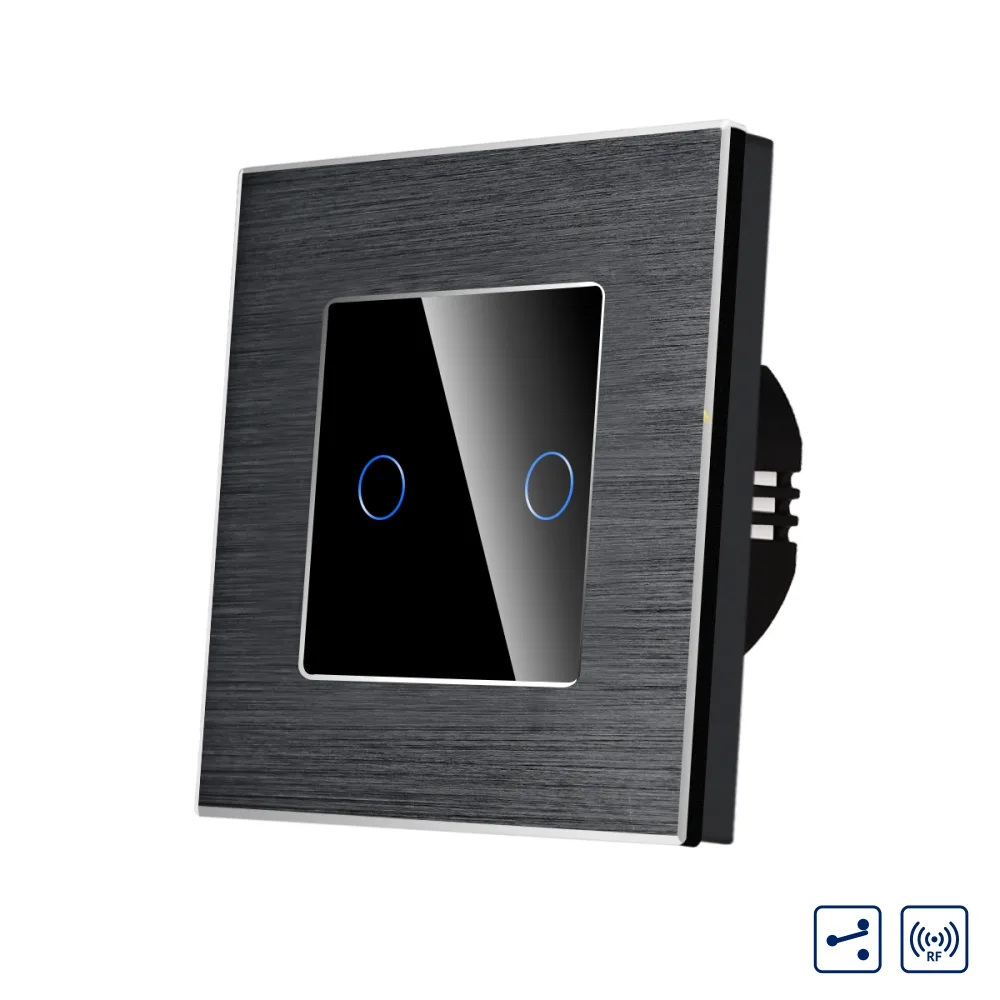
LUXION double two-way / intermediate touch switch with glass panel and aluminium frame, RF433
LUXION double two-way / intermediate touch switch with glass panel, aluminium frame and RF433, up to 3 switches per circuit.
Code: LX-MT-R202A-B · Colour: Black
Datasheet (PDF)| Colour | Code | EAN |
|---|---|---|
| Black | LX-MT-R202A-B | – |
| Gold | LX-MT-R202A-G | – |
| Grey | LX-MT-R202A-GY | – |
| White | LX-MT-R202A-W | – |
Description
LUXION switches stand out for their compact, elegant and minimalist design. They are versatile, and the touch sensor is extremely precise, the same as that of a smartphone. The construction is durable and the switches do not discolour over time. This is a practical product, made from quality materials and built to last, offering functionality and comfort in your home.
Up to 3 switches can be connected on the same circuit (intermediate).
The switch can also be controlled remotely with the Luxion RF433 remote control. The RF remote control is not included and is sold separately.
Compact, elegant and minimalist design
Enjoy the versatility of the new smart switches.
- Double touch switch
- Two-way / intermediate
- Aluminium frame
- LUXION
- RF433
Important: compatibility
Two-way switches only work when installed and synchronised with other Luxion two-way products. Luxion products DO NOT WORK with other brands.
Touch sensor
The touch sensor is extremely precise, the same as the sensor of a smartphone.
Moisture-resistant
Can be used in humid environments.
Control with RF remote
With the RF remote control you can switch Luxion RF switches on or off. Note: the image is for illustration only and the RF remote control is not included; it is sold separately.
Structure / components
- Elegant glass panel with aluminium frame
- Switch mechanism
- Metal mounting frame
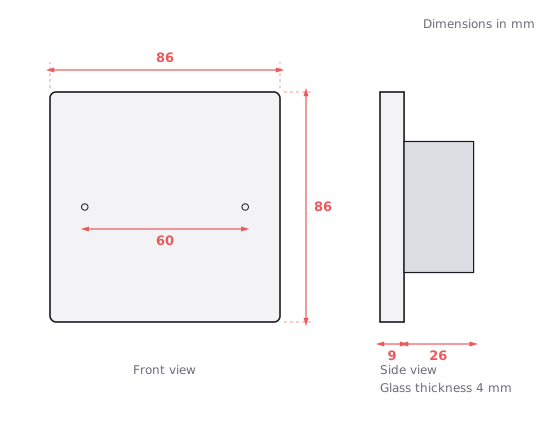
- Screw fixing system: 60 mm
Dimensions
- Width: 86 mm
- Height: 86 mm
- Panel thickness: 9 mm
- Mechanism height: 49 mm
Wiring diagram
The switch is connected according to the wiring diagram.
- Live (L)
- Neutral (N)
- Two-way – intermediate
- L1
- L(A)
- 2Way Remote Switch
Installation steps
- 1. Open the packaging.
- 2. Connect the wires and tighten the screws.
- 3. Use the 2 screws to fix the frame.
- 4. Fit the front panel.
Dimension drawing
Related products
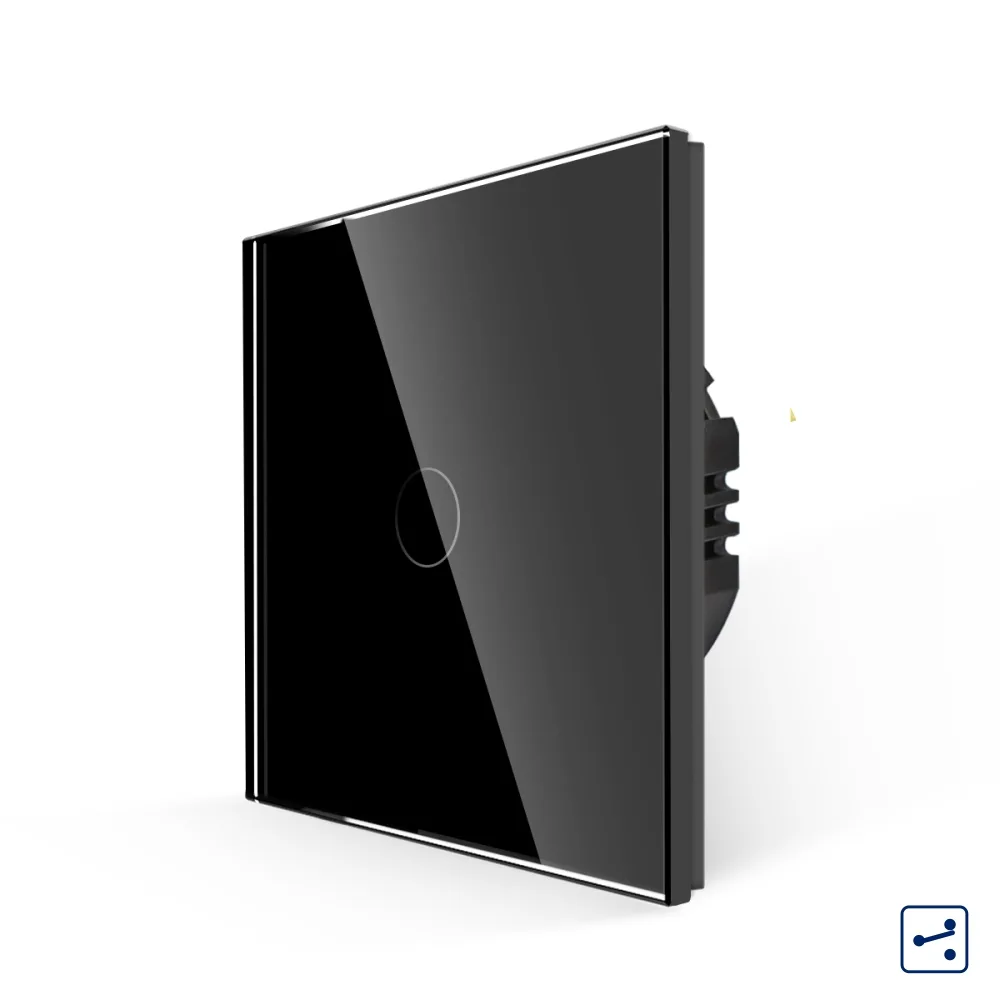 LUXION single two-way / intermediate touch switch with glass frame, Series A
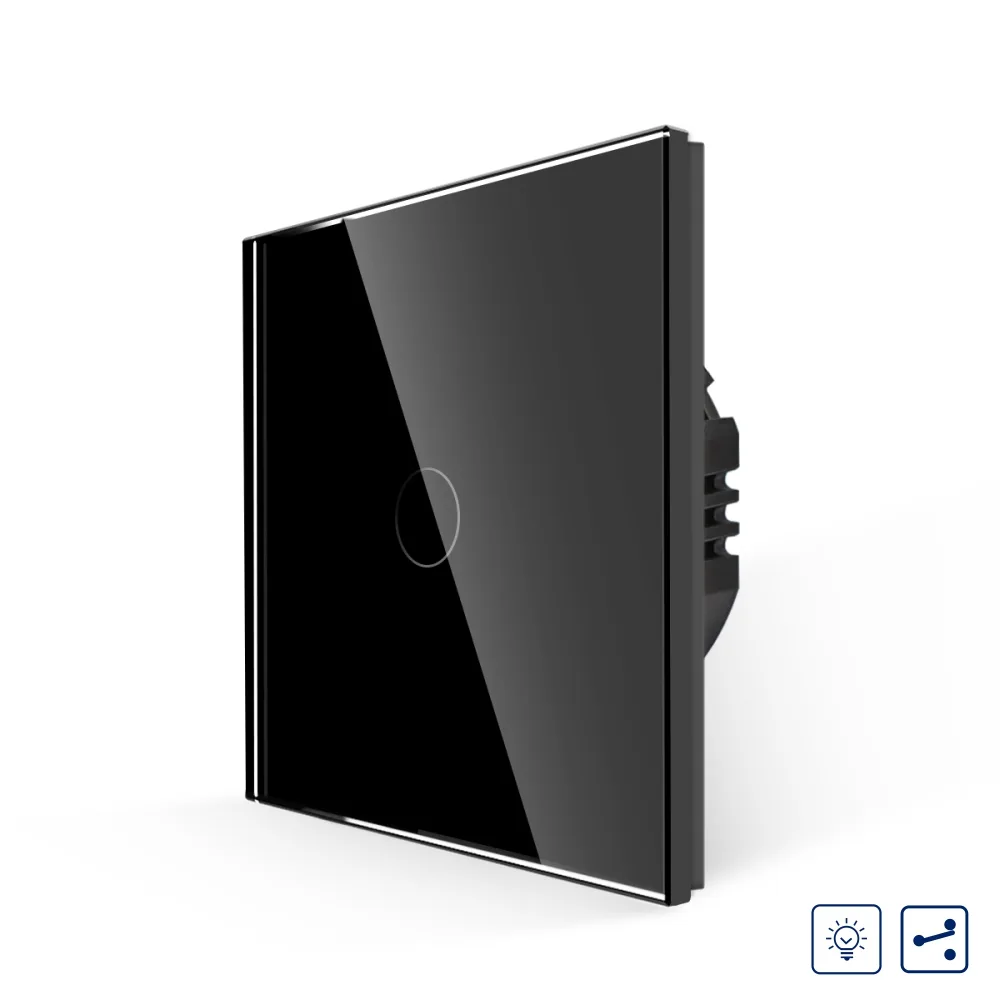 LUXION single touch switch with dimmer, two-way / intermediate, with glass frame
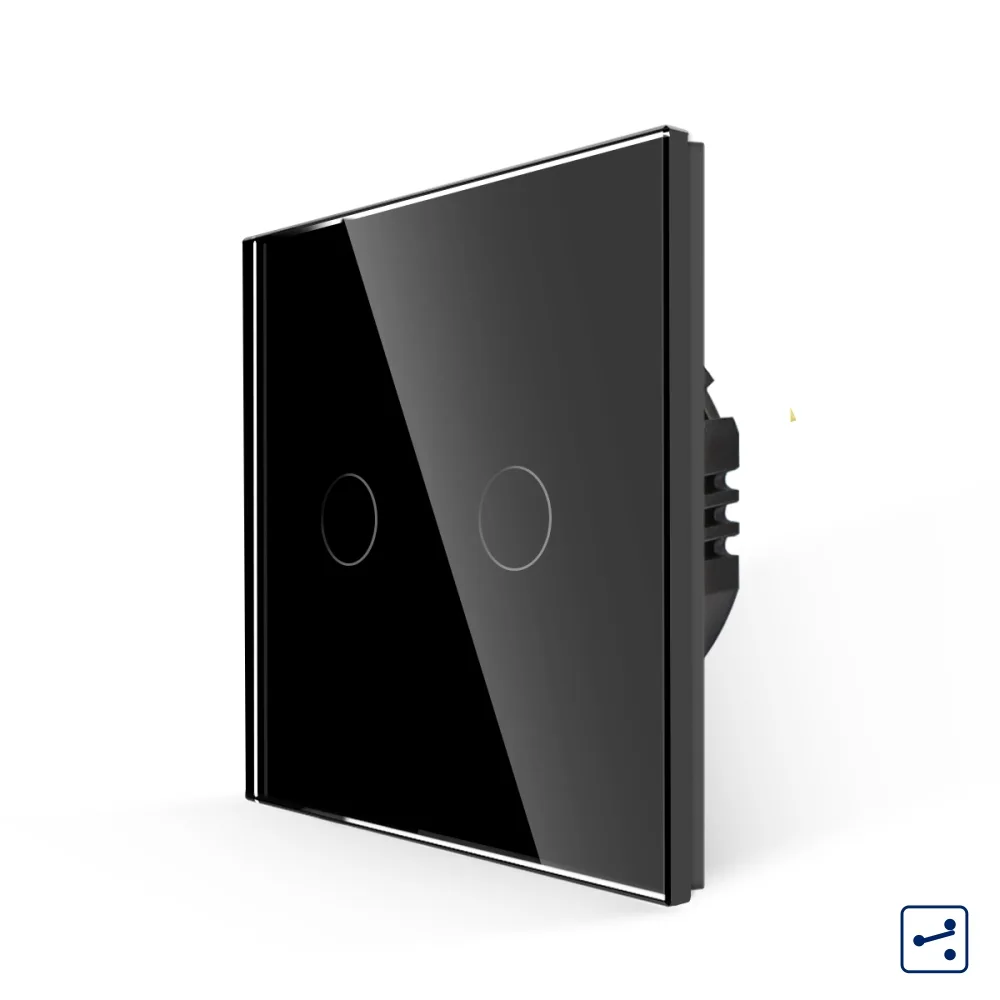 LUXION double two-way / intermediate touch switch with glass frame, Series A
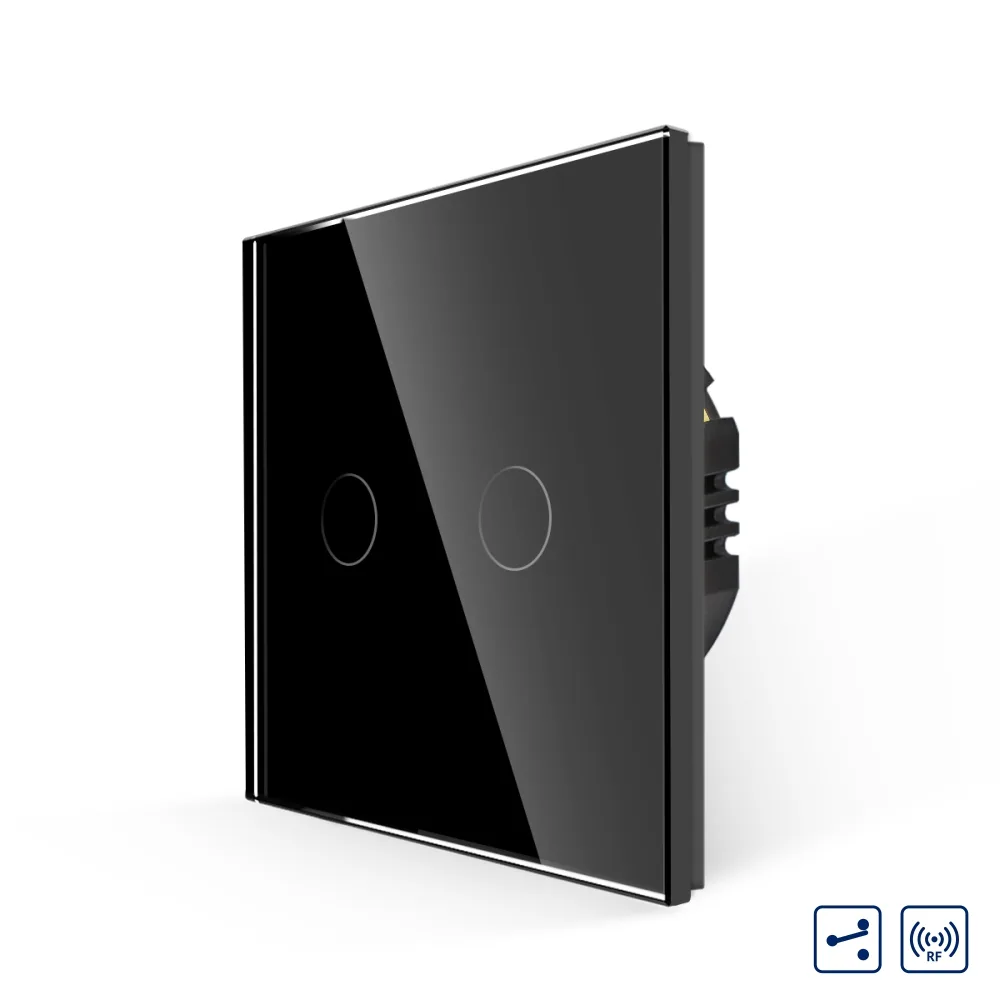 LUXION double two-way / intermediate touch switch with glass frame, RF433
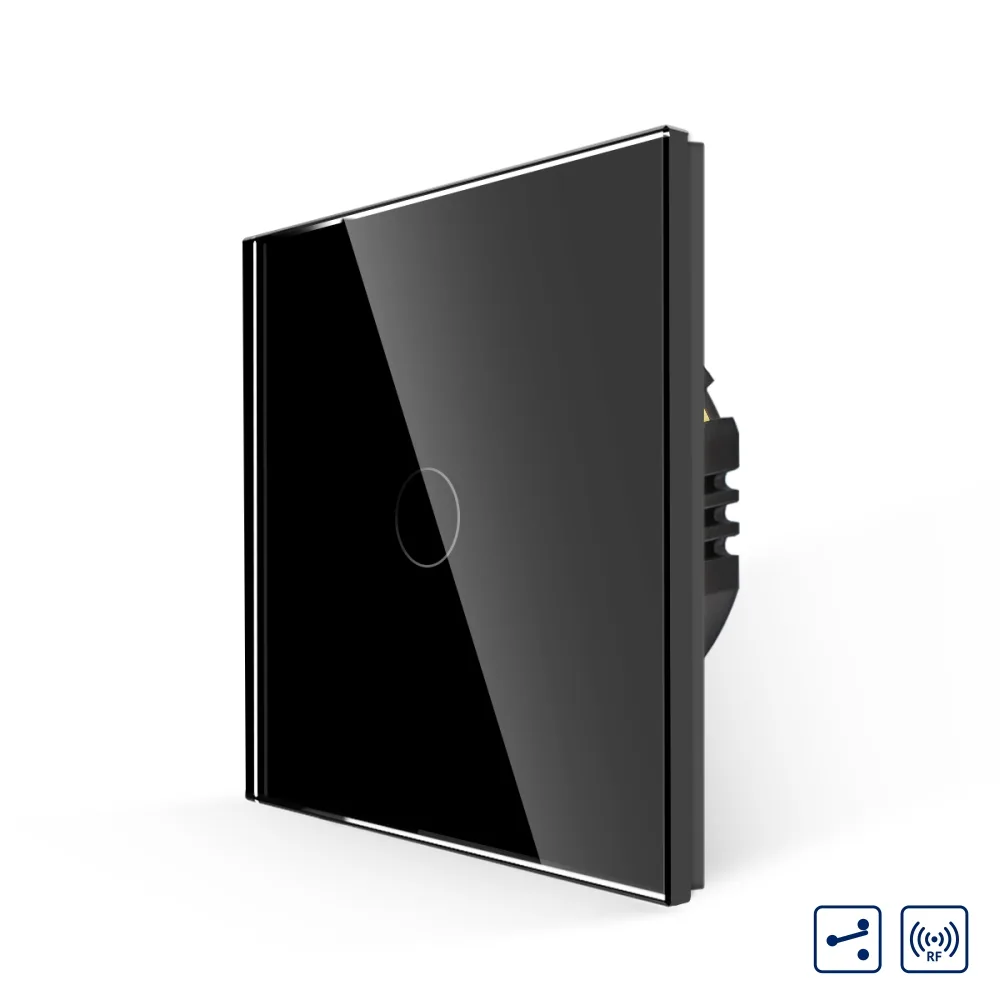 LUXION single-gang two-way / intermediate RF433 touch switch with glass frame
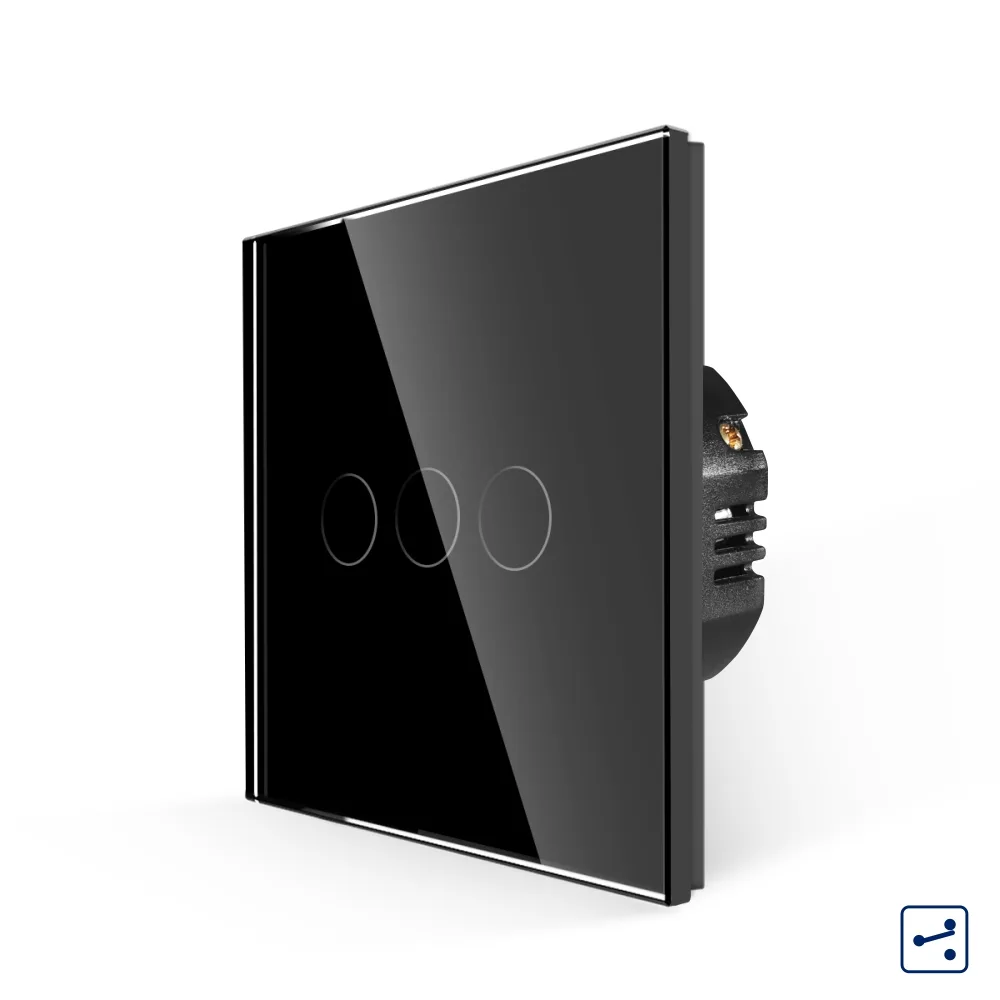 LUXION triple two-way touch switch with glass frame, A Series
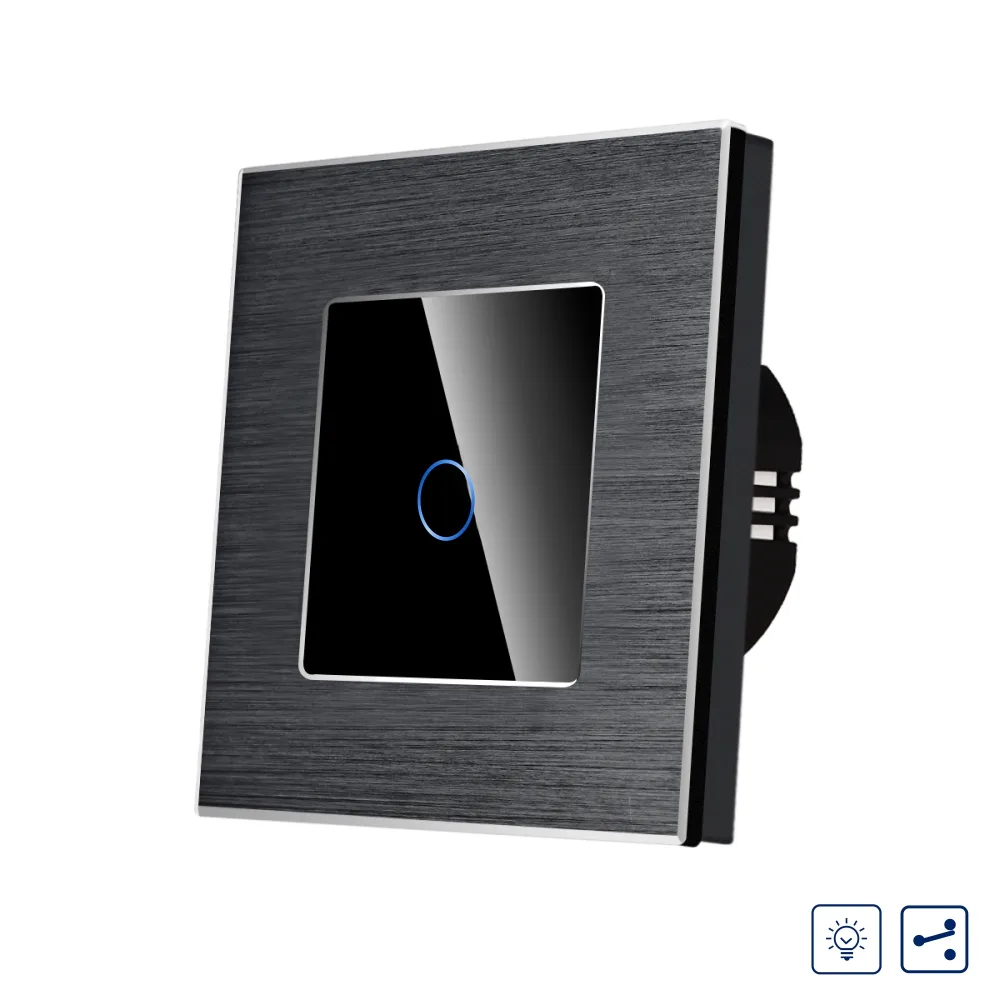 LUXION single touch dimmer switch, two-way / intermediate, with aluminium frame
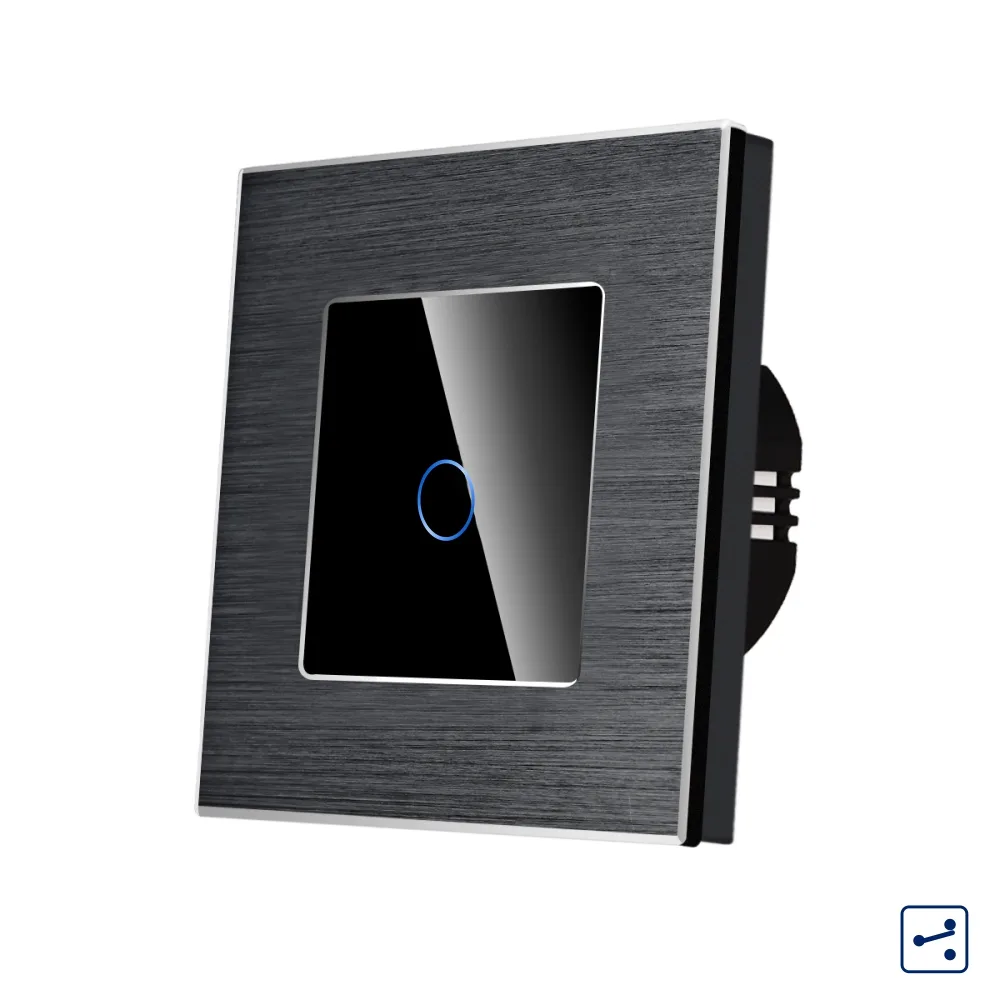 LUXION single two-way / intermediate touch switch with glass front and aluminium frame, Series A