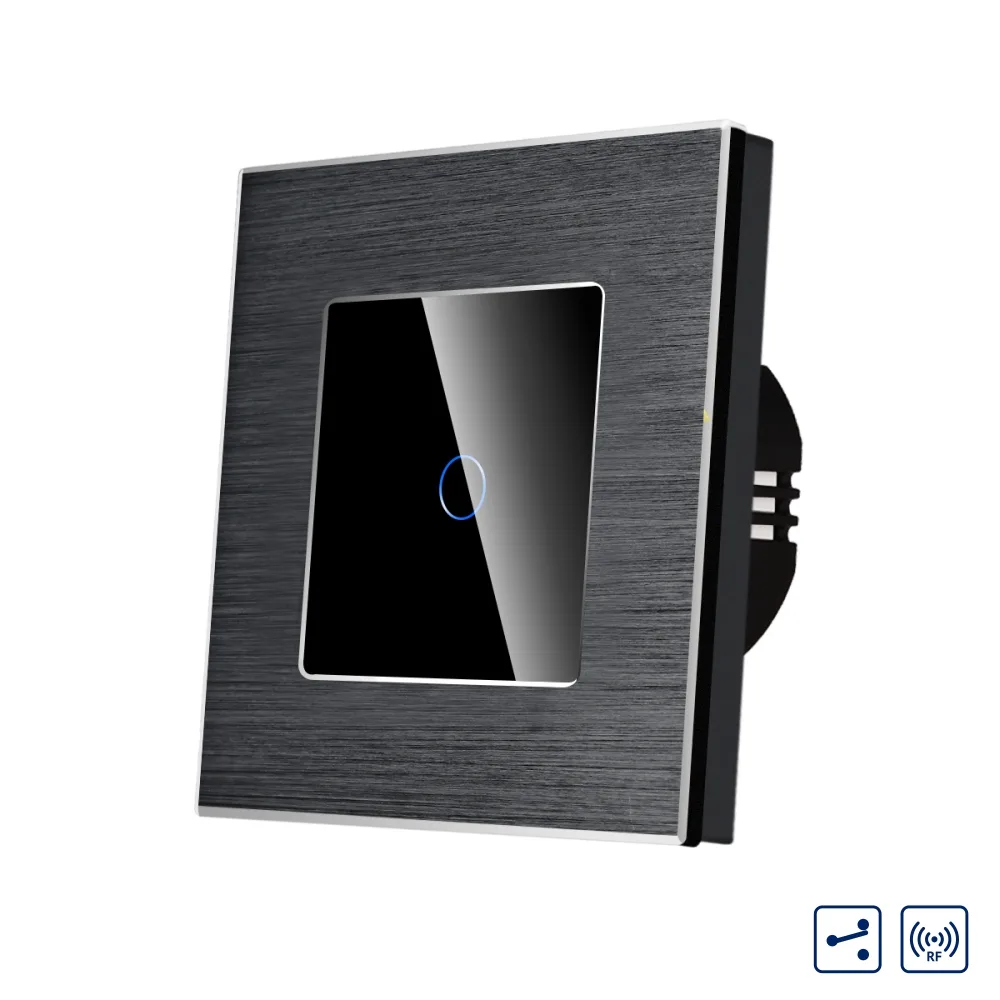
LUXION single two-way / intermediate touch switch with glass panel and aluminium frame, RF433
LUXION single two-way / intermediate touch switch with glass panel, aluminium frame and RF433, for up to 3 switches in the circuit.
Code: LX-MT-R102A-B · Colour: Black
Datasheet (PDF)| Colour | Code | EAN |
|---|---|---|
| Black | LX-MT-R102A-B | – |
| Gold | LX-MT-R102A-G | – |
| Grey | LX-MT-R102A-GY | – |
| White | LX-MT-R102A-W | – |
Description
LUXION switches stand out for their compact, elegant and minimalist design. They are versatile in use and the touch sensor is extremely precise, the same as that of a smartphone. The construction is durable and the switches do not fade over time. This is a practical product, made from quality materials and built to last, offering functionality and comfort in your home.
Up to 3 switches can be connected in the circuit (intermediate function).
The switch can also be controlled remotely with the Luxion RF433 remote control.
Caution: two-way switches only work when installed and synchronised with other Luxion two-way products. Luxion products do not work with switches of other brands.
Features
Compact, elegant and minimalist design – enjoy the versatility of the new smart switches.
- Single touch switch
- Two-way / intermediate function
- Aluminium frame
- LUXION
- RF433
Touch sensor
The touch sensor is extremely precise, the same as the sensor of a smartphone.
Moisture resistance
Can be used in humid areas.
Does not fade
The elegant design remains unchanged over time.
Important – compatibility
Two-way switches only work when installed and synchronised with other Luxion two-way products. Luxion products do NOT work with other brands.
RF remote control
With the RF remote control you can switch Luxion switches on and off.
Structure / components
- Elegant glass panel with aluminium frame
- Switch mechanism
- Metal mounting frame
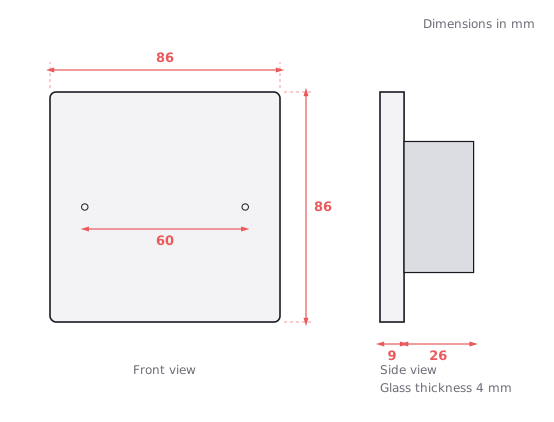
- Screw fixing, 60 mm screw spacing
Dimensions
- Width: 86 mm
- Height: 86 mm
- Panel thickness: 9 mm
- Mechanism depth: 26 mm
- Mechanism height: 49 mm
Installation / wiring diagram
Wiring diagram for two-way / intermediate operation with a 2-position wireless switch (2Way Remote Switch).
- Live (L)
- Neutral (N)
- Terminals: L1, L(A)
- Two-way / intermediate
Installation steps
- 1. Open the packaging.
- 2. Connect the wires and tighten the screws.
- 3. Fix the frame with the 2 screws.
- 4. Fit the front panel.
Dimension drawing
Related products
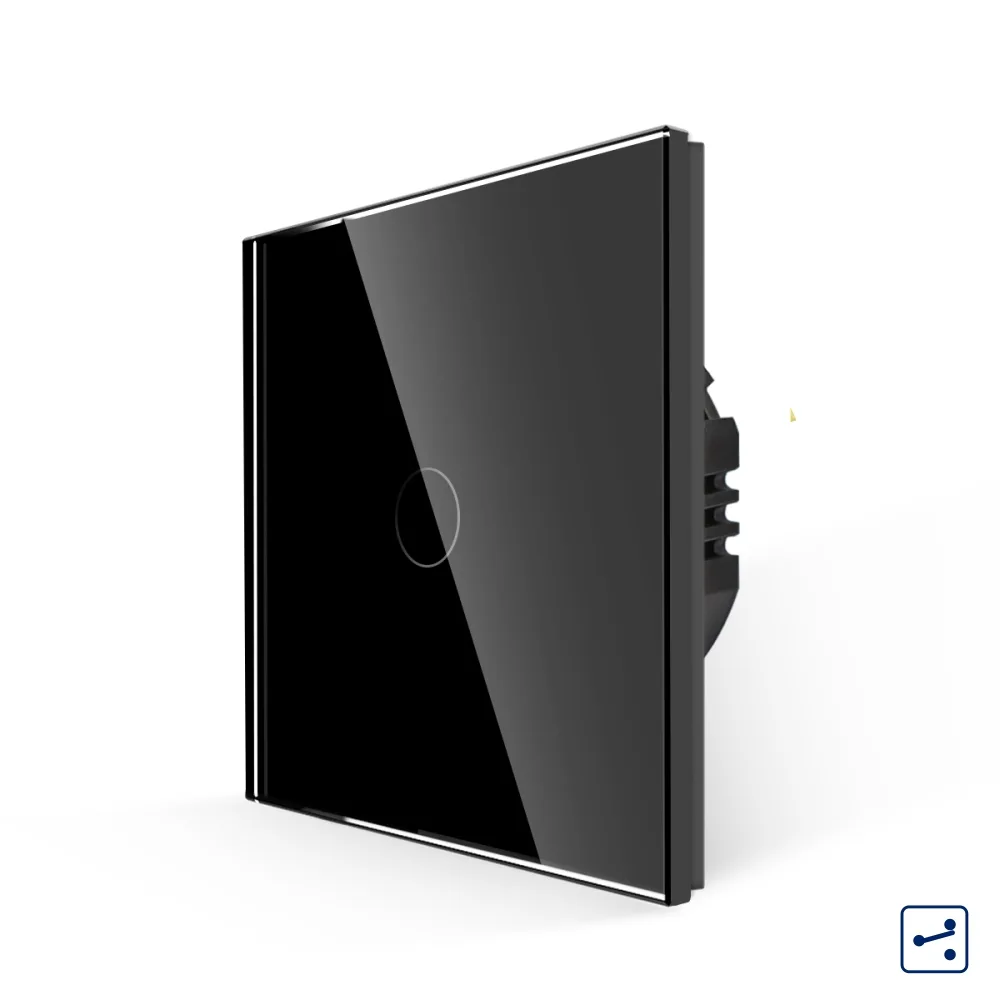 LUXION single two-way / intermediate touch switch with glass frame, Series A
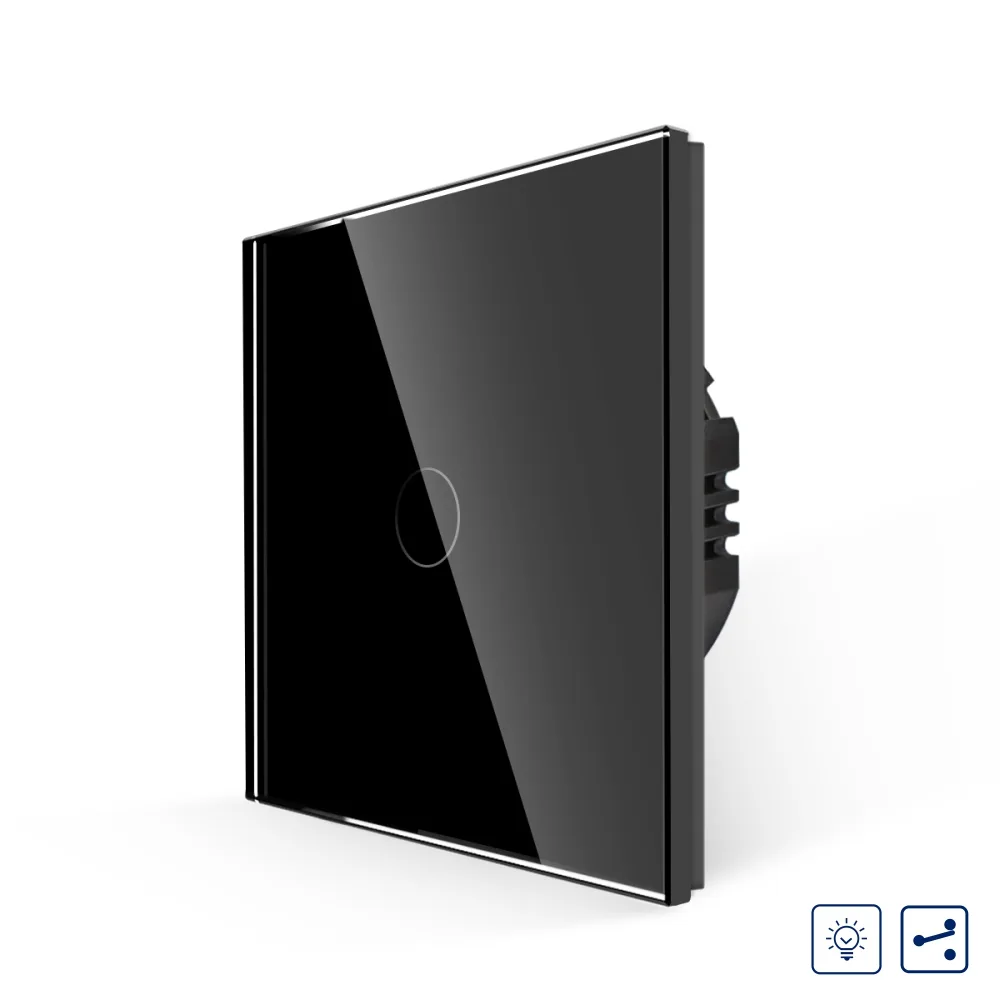 LUXION single touch switch with dimmer, two-way / intermediate, with glass frame
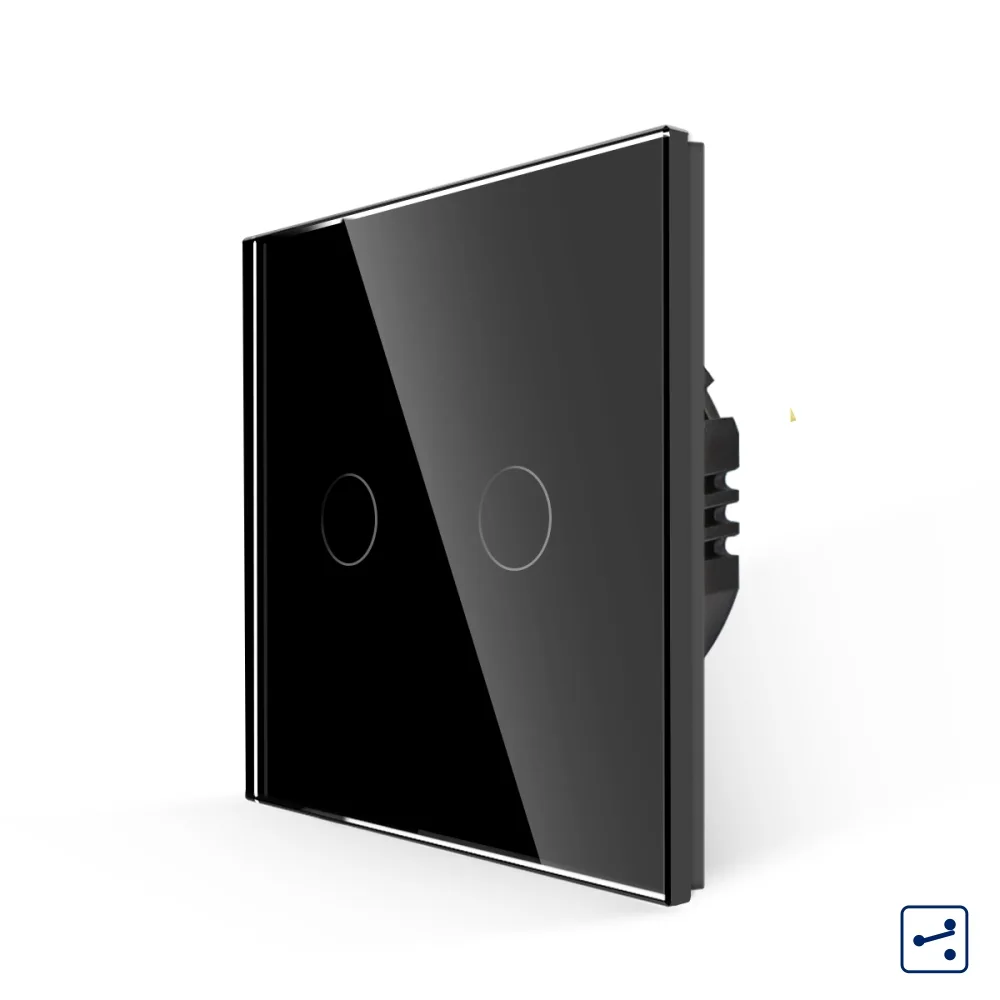 LUXION double two-way / intermediate touch switch with glass frame, Series A
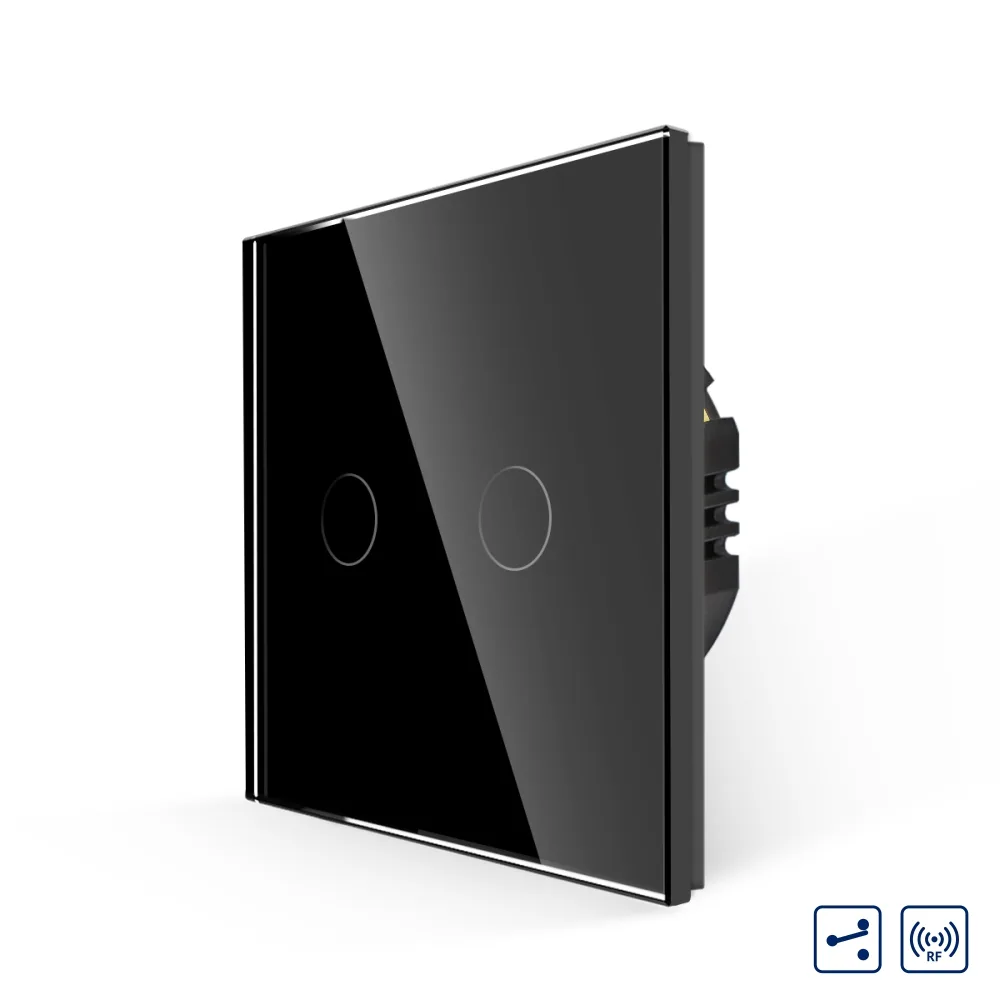 LUXION double two-way / intermediate touch switch with glass frame, RF433
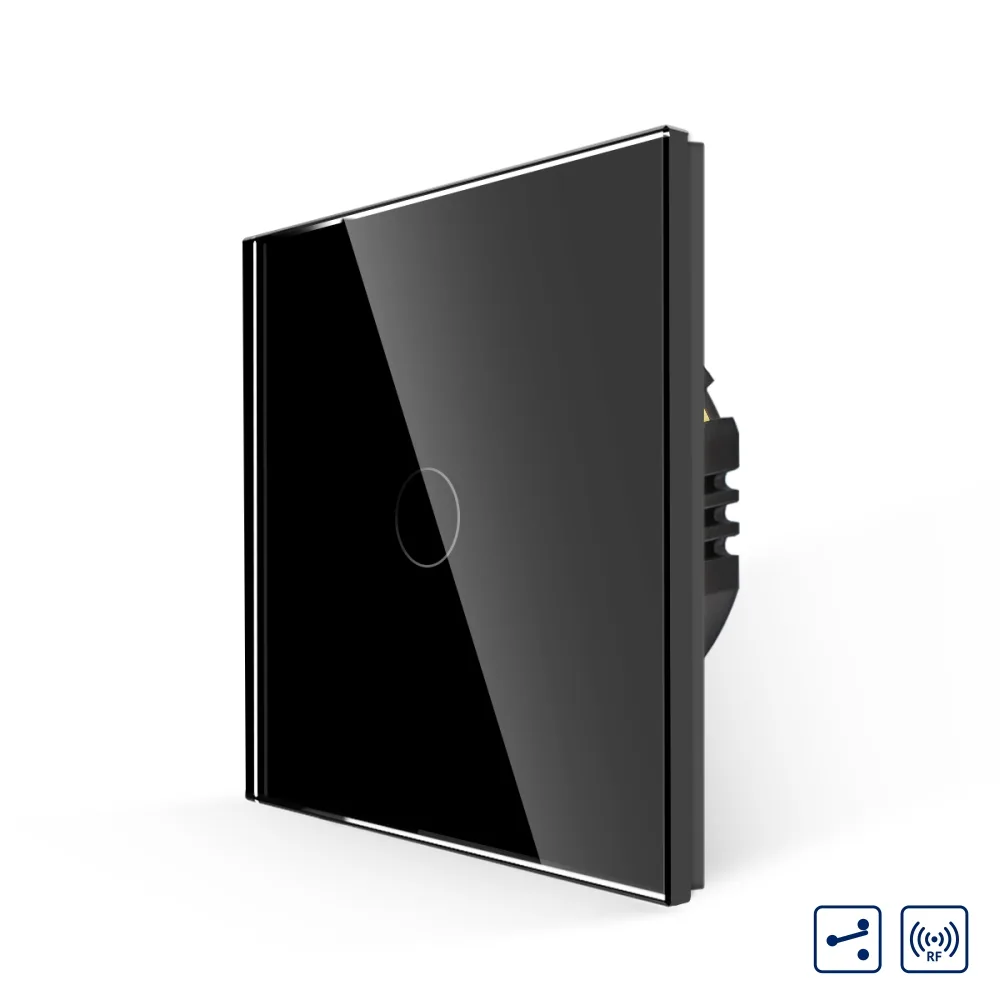 LUXION single-gang two-way / intermediate RF433 touch switch with glass frame
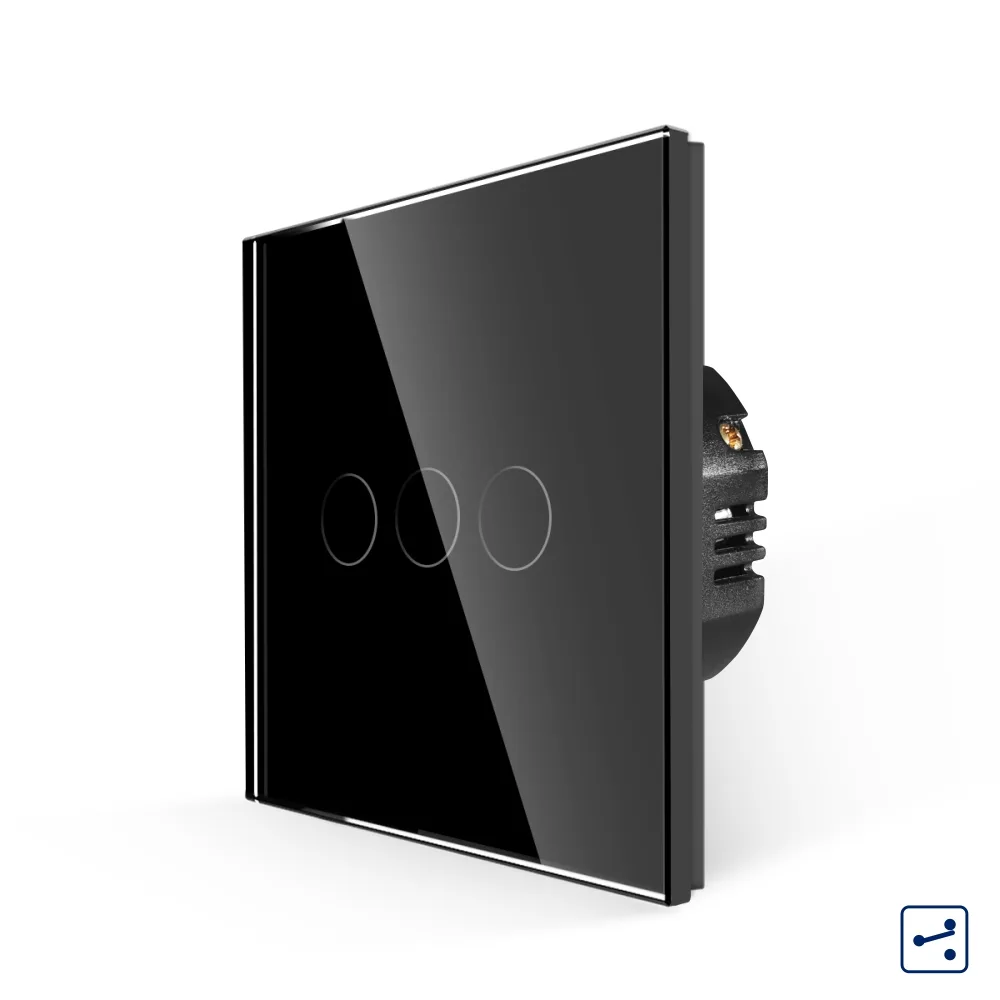 LUXION triple two-way touch switch with glass frame, A Series
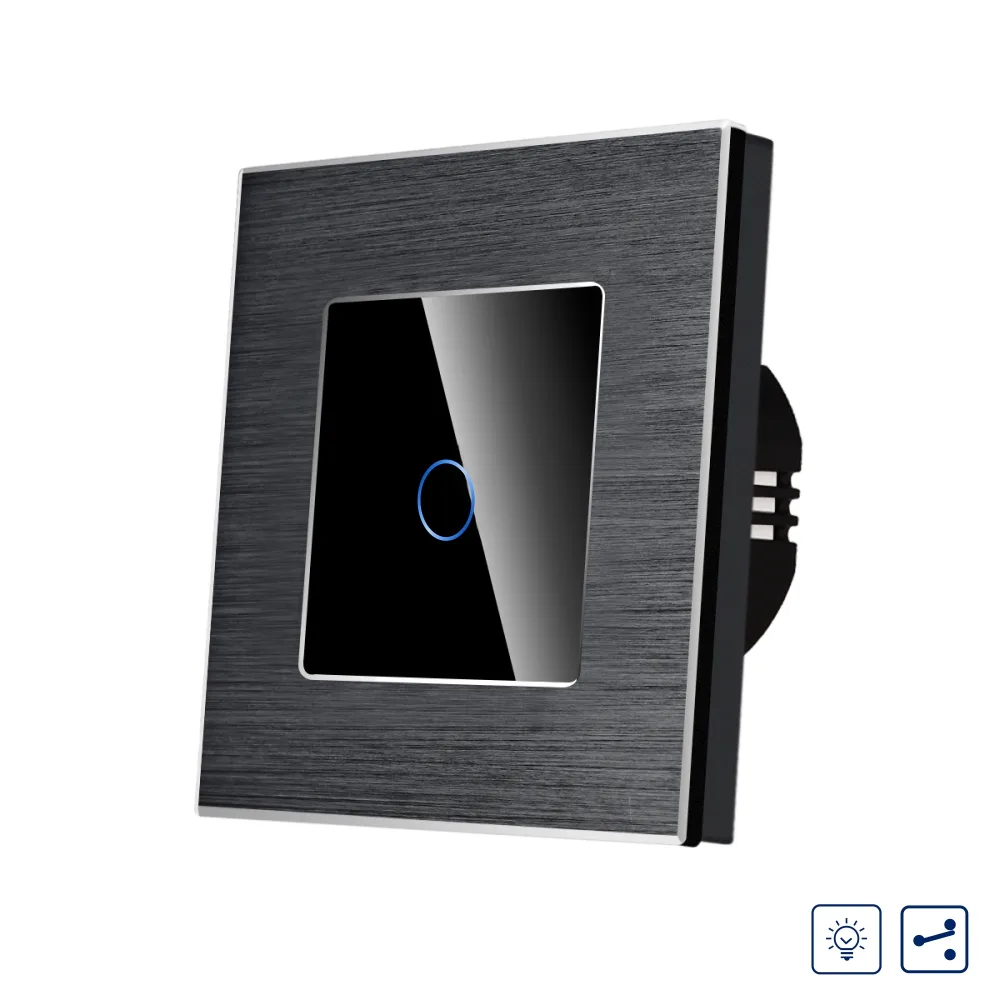 LUXION single touch dimmer switch, two-way / intermediate, with aluminium frame
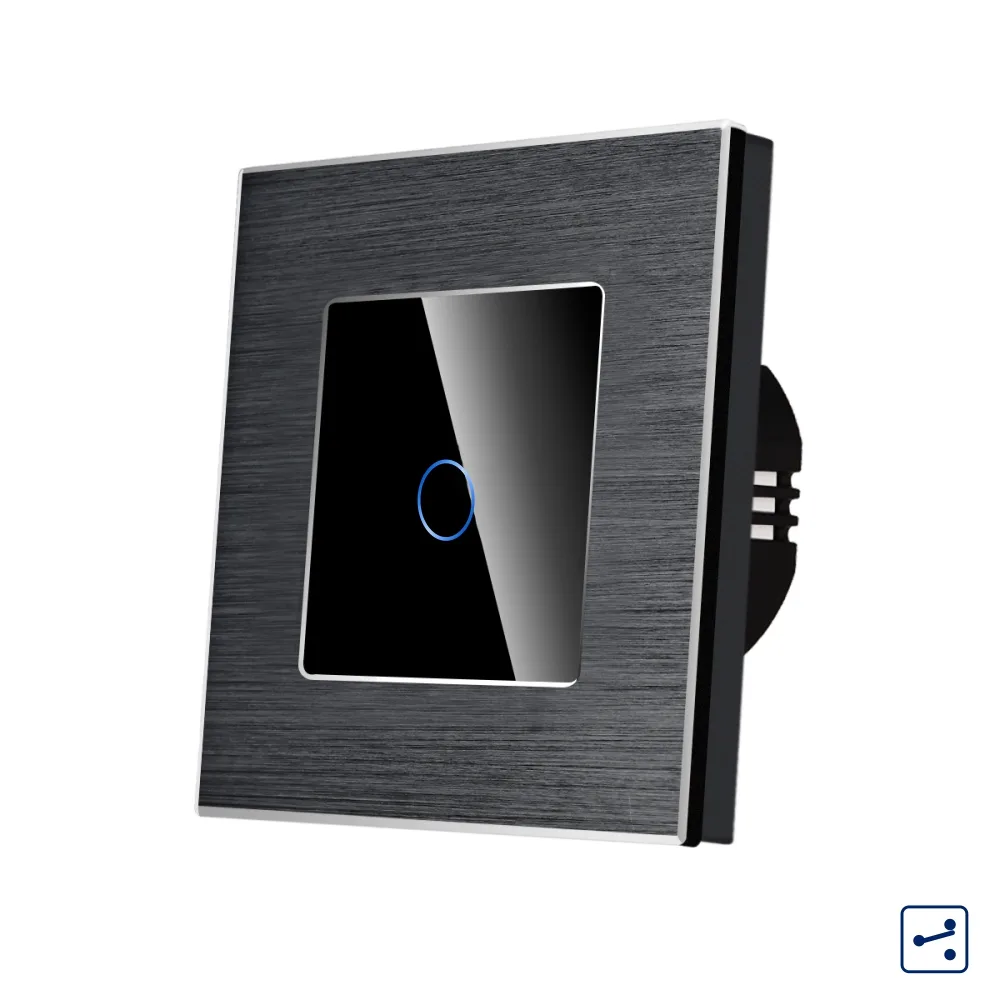 LUXION single two-way / intermediate touch switch with glass front and aluminium frame, Series A