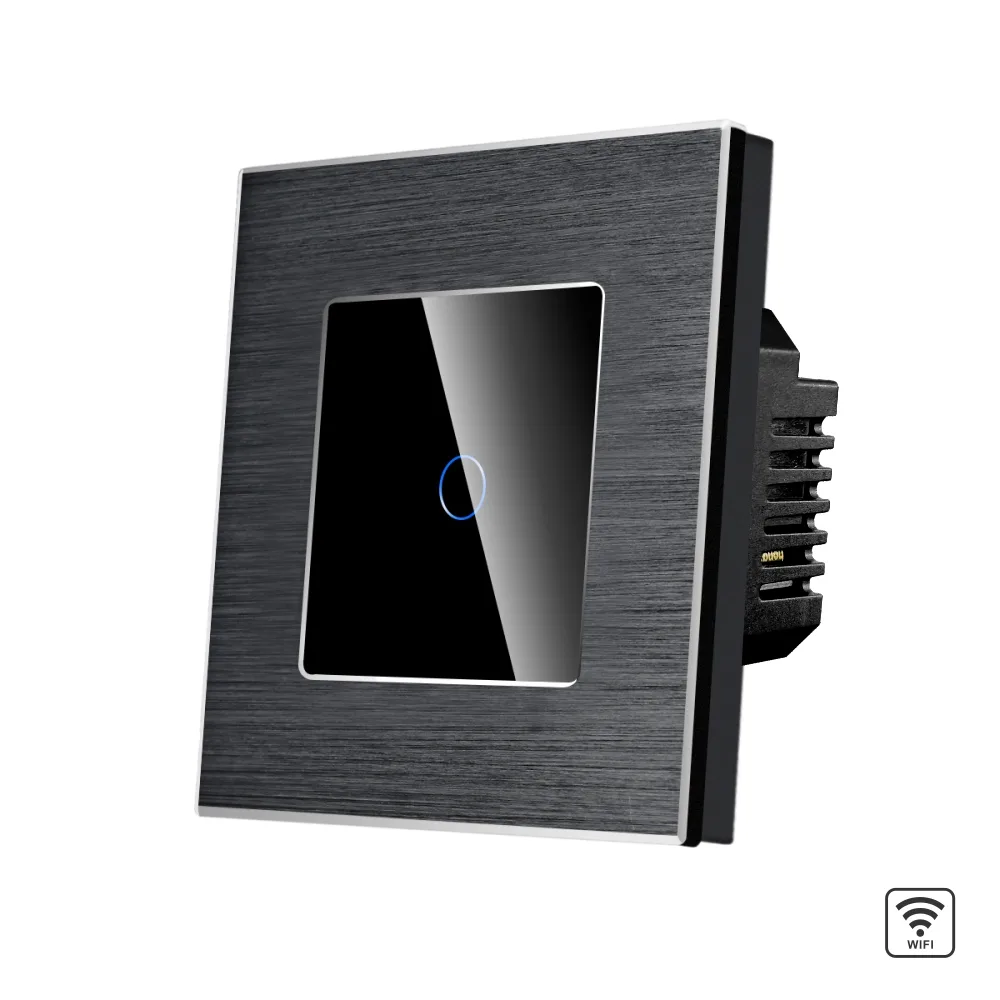
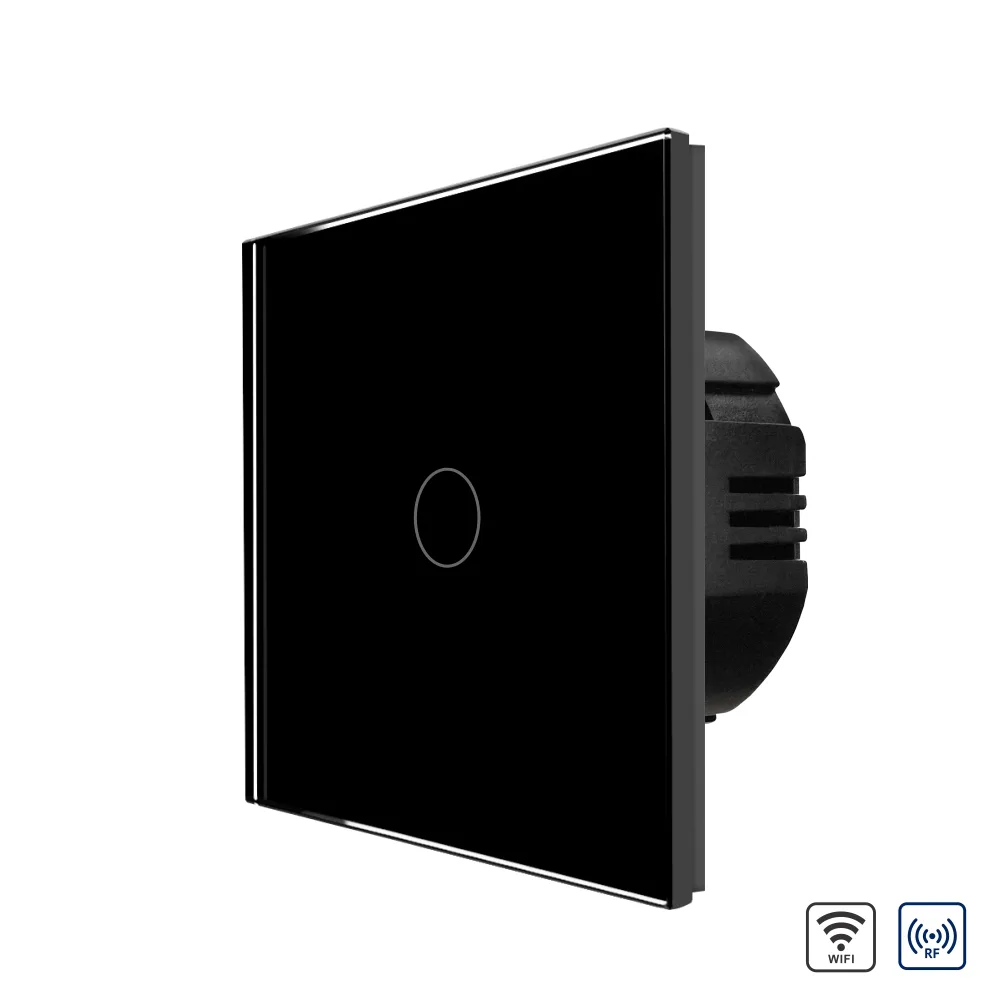
LUXION single Wi-Fi touch switch with glass panel and aluminium frame
LUXION single Wi-Fi touch switch with a glass panel and aluminium frame, which connects directly to the router without a hub.
Code: LX-WT2-101A-B · Colour: Black
Datasheet (PDF)| Colour | Code | EAN |
|---|---|---|
| Black | LX-WT2-101A-B | – |
| Gold | LX-WT2-101A-G | – |
| Grey | LX-WT2-101A-GY | – |
| White | LX-WT2-101A-W | – |
Description
LUXION single touch switch with a glass panel and aluminium frame, Wi-Fi. It connects directly to the internet, with no need for a hub.
LUXION switches stand out for their compact, elegant and minimalist design. They are versatile, and the touch sensor is extremely precise, the same as that of a smartphone. The construction is durable and the switches do not discolour over time. This is a practical product, made from quality materials and built to last, offering functionality and comfort in your home.
Installation: with the Wi-Fi adapter fitted in parallel to one of the lamps, no neutral wire is required. The switch can also be installed without the Wi-Fi adapter, but in that case a neutral wire is needed.
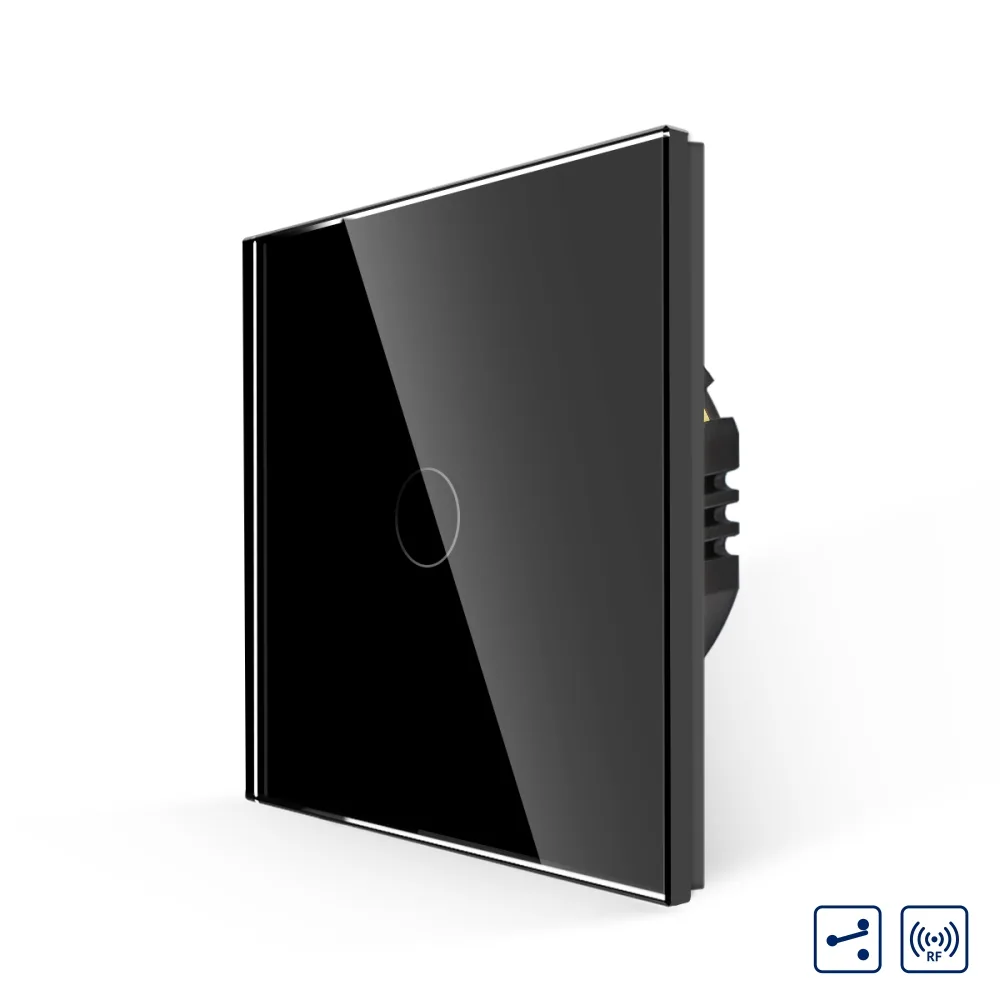
Two-way / intermediate: these switches work as two-way / intermediate switches via automation, so a neutral wire is required. For classic two-way / intermediate wiring, the Zigbee switches are recommended.
Features
Enjoy the versatility of the new LUXION smart switches: a single Wi-Fi touch switch with an aluminium frame and a compact, elegant and minimalist design.
- Extremely precise touch sensor, the same as a smartphone's sensor
- Moisture-resistant: can be used in humid environments
- Does not discolour: the elegant design stays unchanged
- Blue LED indicator when the light is on and faint blue when it is off
Wi-Fi smart switch
LUXION Wi-Fi switches connect directly to the Wi-Fi router, with no hub required.
- Direct connection to a Wi-Fi router
- Control via app
- Voice control
Control via the Smart Life app
Change the atmosphere of your home with a simple touch. Open the Smart Life app to adjust the lighting just as you like. To control the switch from the app, you need to install the Smart Life app on your phone.
- Timer and scheduling
- Group control (sharing with the family)
- Scene creation
- Switch LED can be turned off from the app
- Power-failure state setting: on, off or memory of the last state
Compatible with Amazon Alexa
With a simple voice command you can control the Wi-Fi switch to turn the lights on or off. Also compatible with Google Home and IFTTT.
- Example: "Alexa, turn on the light!"
Construction / components
- Elegant glass panel with aluminium frame
- Switch mechanism
- Metal mounting frame
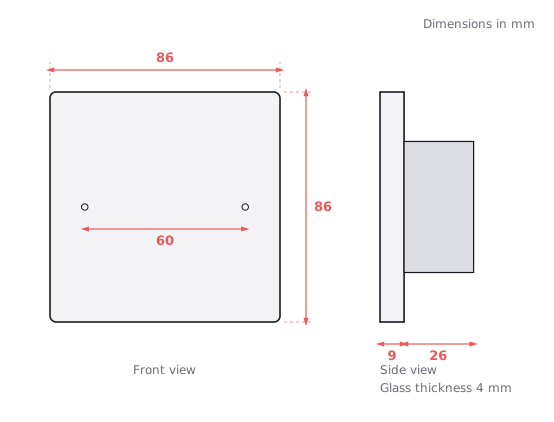
- Screw fixing (60 mm spacing)
Dimensions
- Front: 86 x 86 mm
- Panel depth: 9 mm
- Mechanism depth: 26 mm
- Mechanism height: 49 mm
- Fixing screw spacing: 60 mm
Installation / wiring diagram
The switch can be connected with or without a neutral wire in the flush-mounted box. Terminals: N, L, L1, L2, L3.
- Option 1 – NO neutral required in the box: live (L) to L, lamp to L1, with the Wi-Fi adapter in parallel to the lamp
- Option 2 – neutral required in the box: neutral (N) to N, live (L) to L, lamp to L1
- 1. Open the package.
- 2. Connect the wires and tighten the screws.
- 3. Fix the frame with the 2 screws.
- 4. Fit the front panel (it clips into place).
- Caution: high voltage – disconnect the power supply before installation
Dimension drawing
Related products
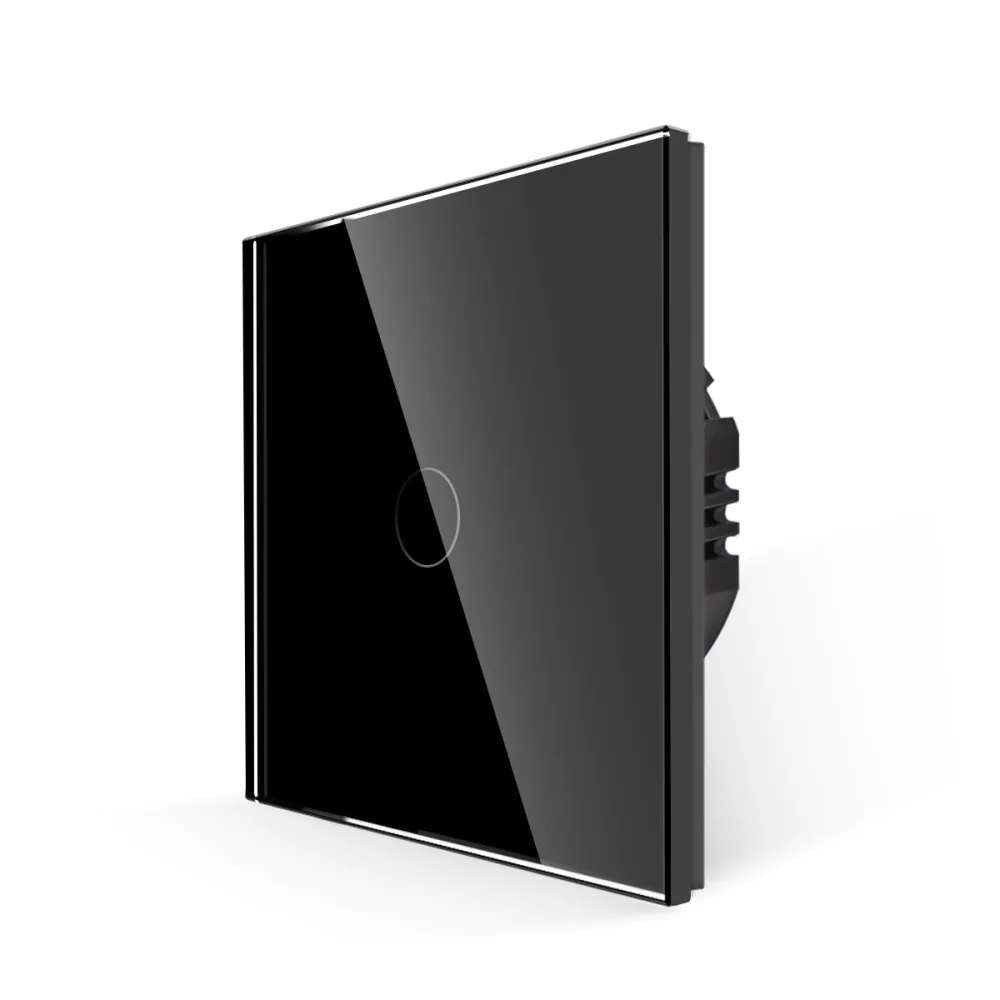 LUXION single touch switch with glass frame, 500W
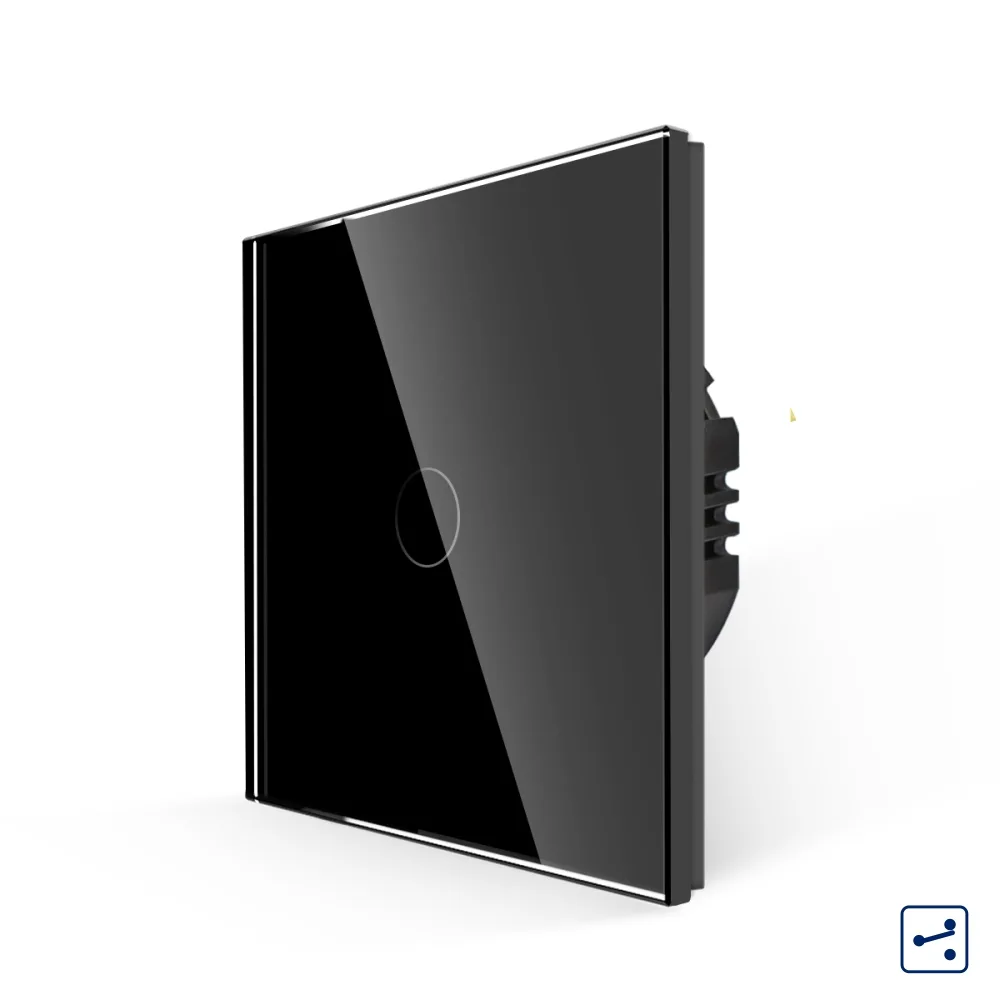 LUXION single two-way / intermediate touch switch with glass frame, Series A
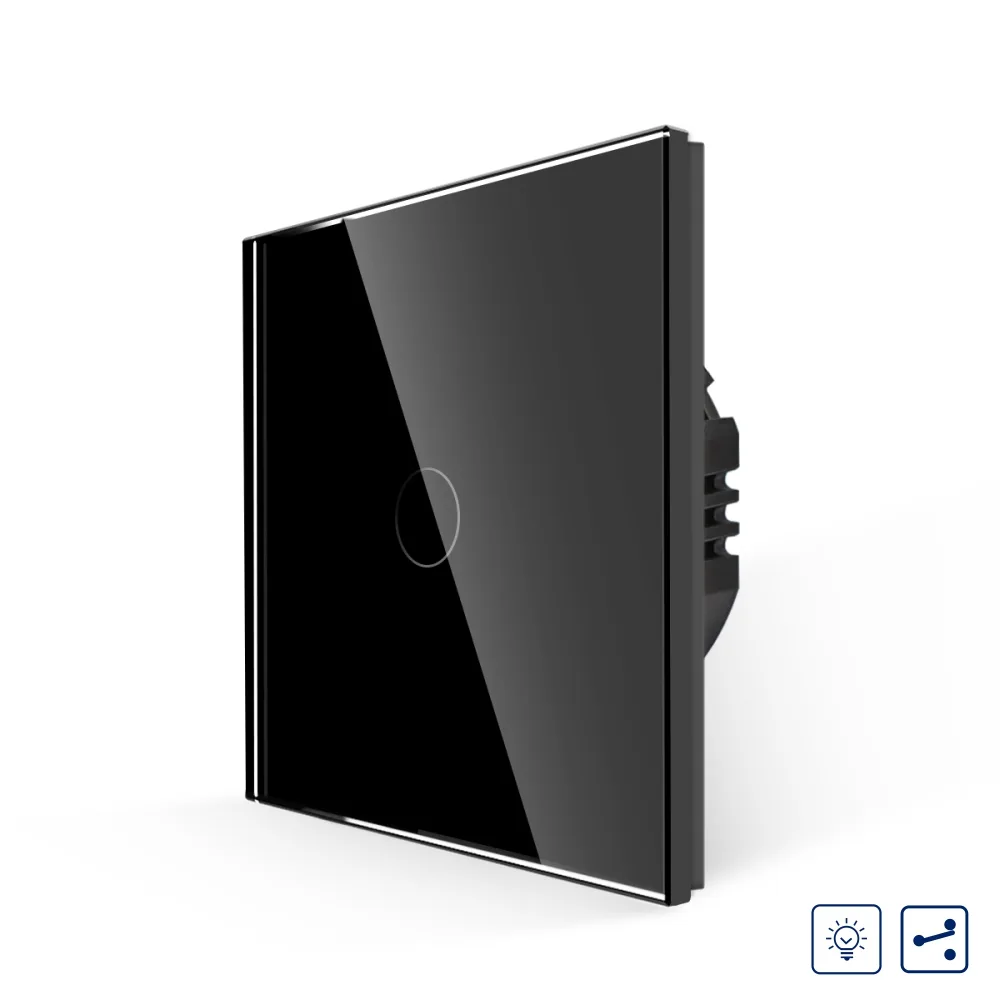 LUXION single touch switch with dimmer, two-way / intermediate, with glass frame
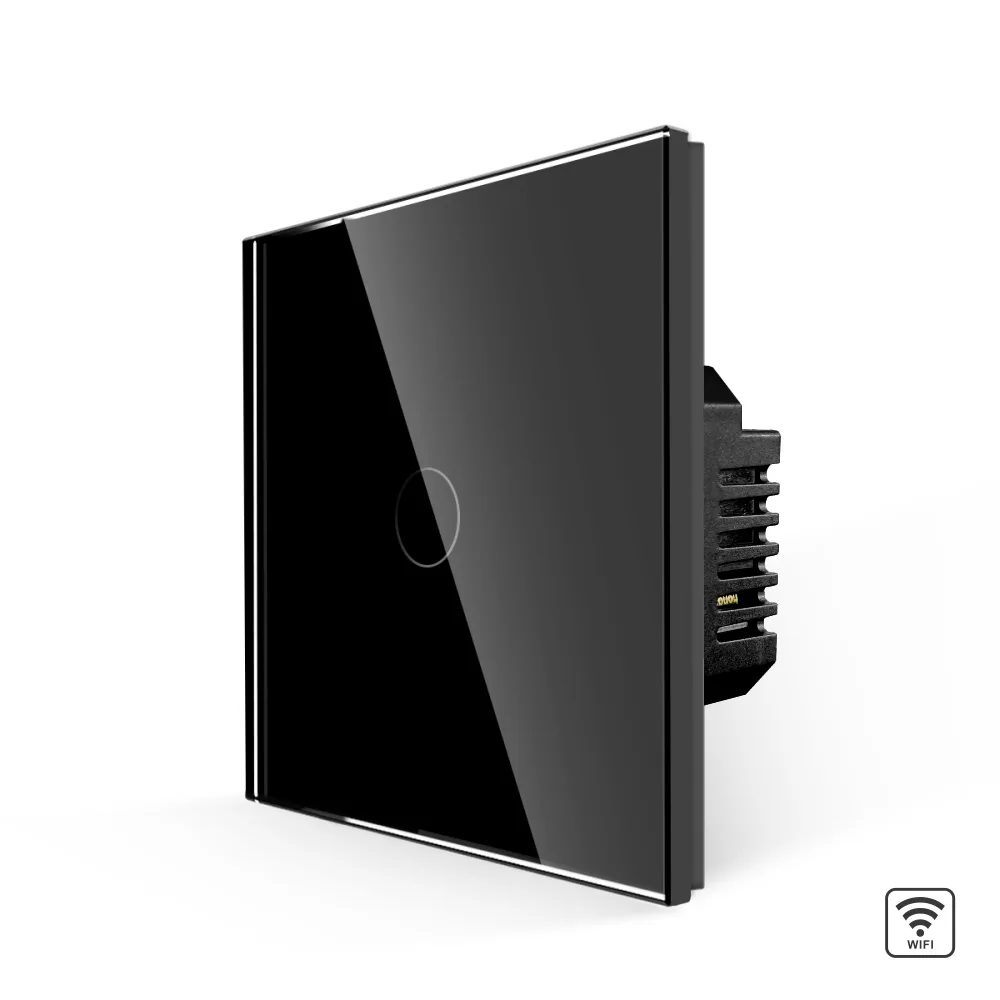 LUXION single Wi-Fi touch switch with glass frame
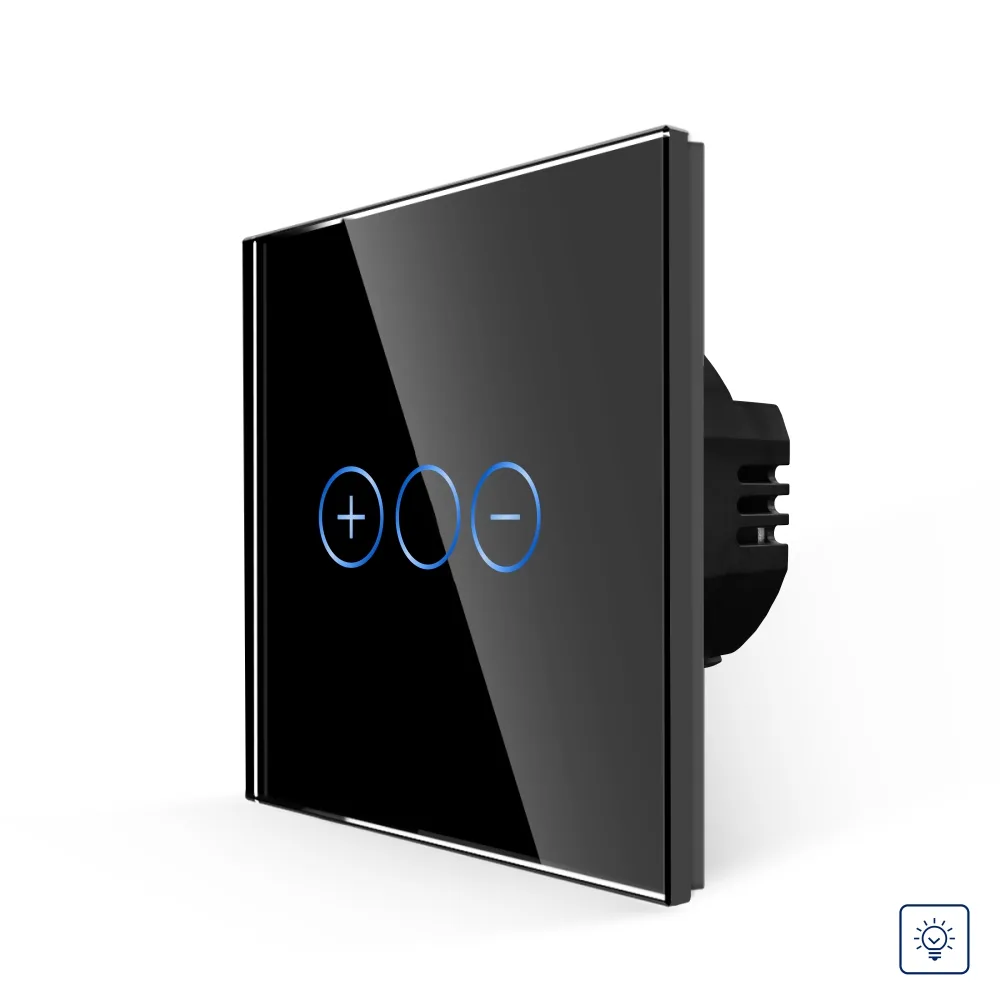 LUXION single touch dimmer switch with glass frame
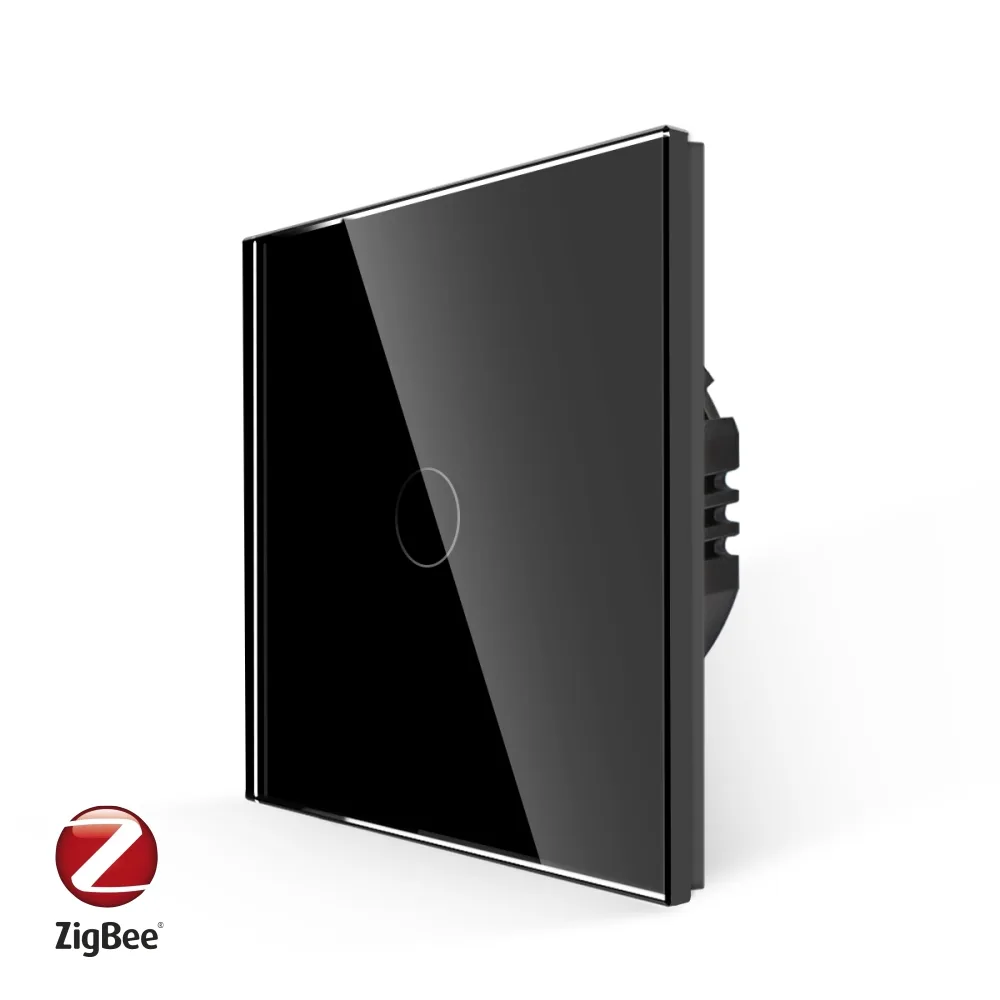 LUXION Zigbee single touch switch with glass frame
 LUXION Single Wi-Fi + RF433 Touch Switch with Glass Frame
 LUXION single-gang two-way / intermediate RF433 touch switch with glass frame