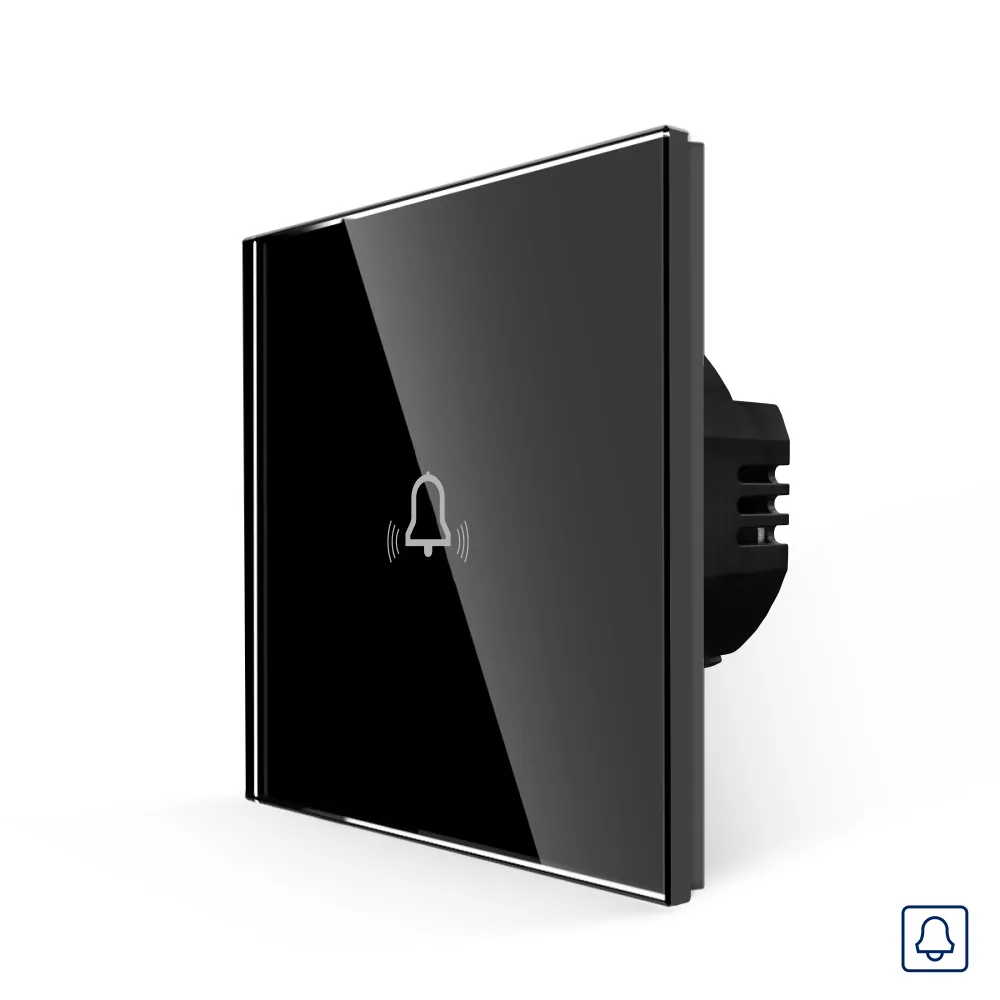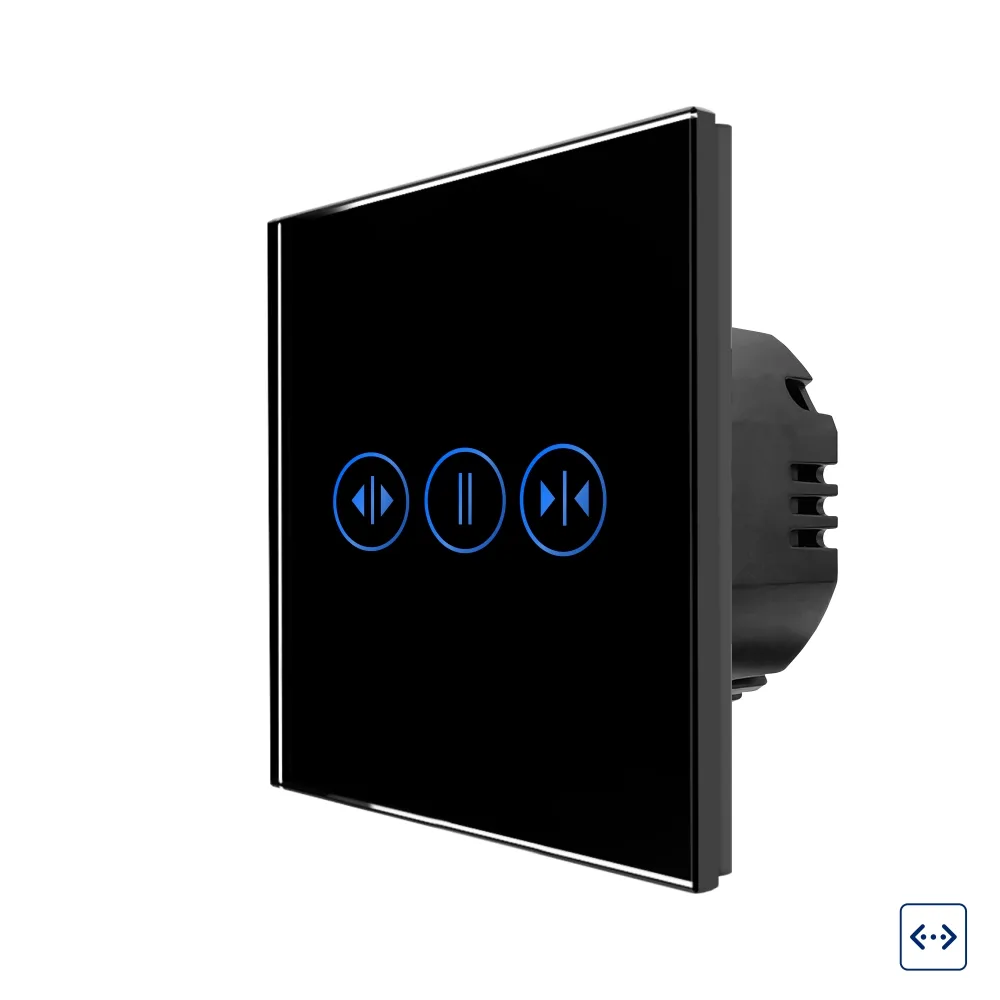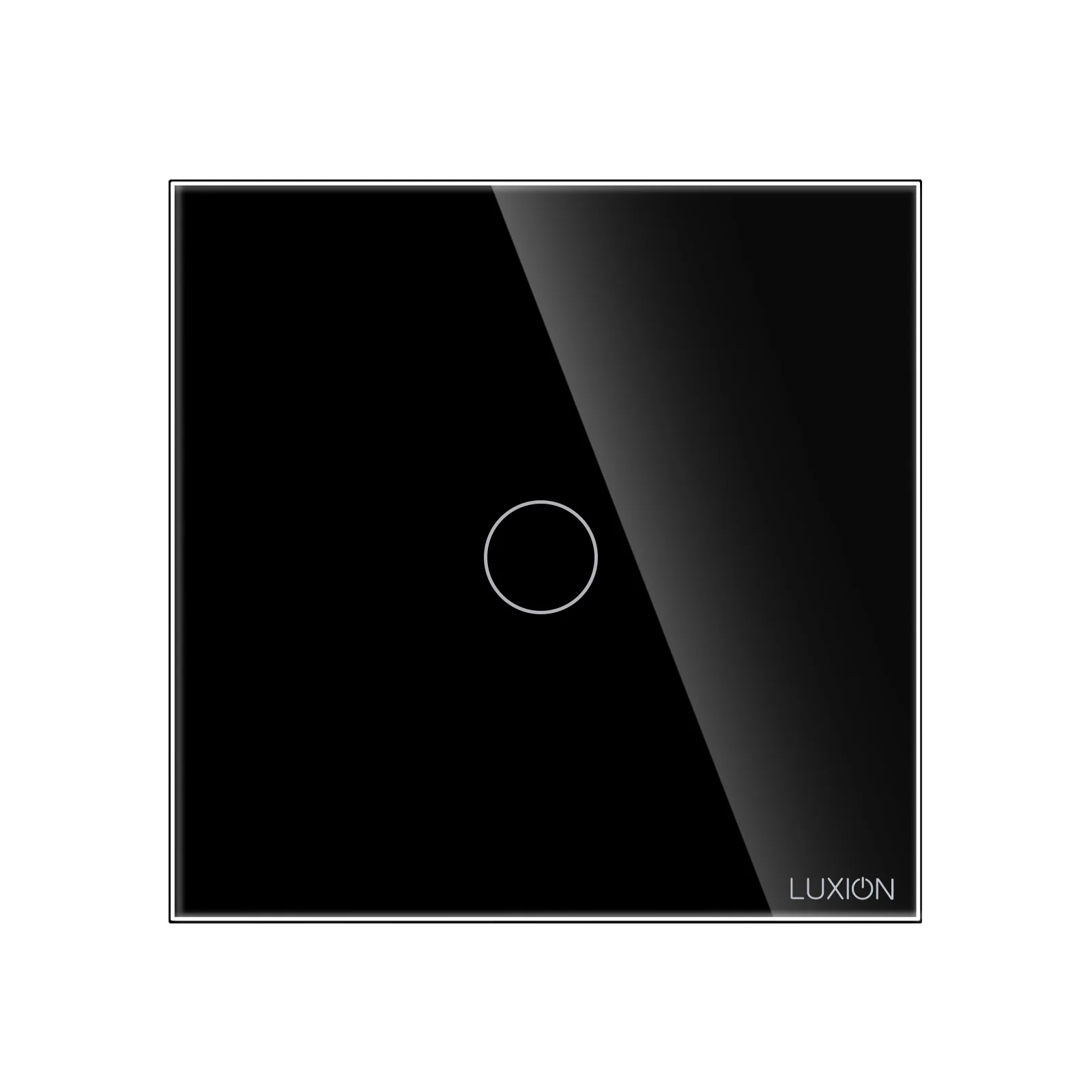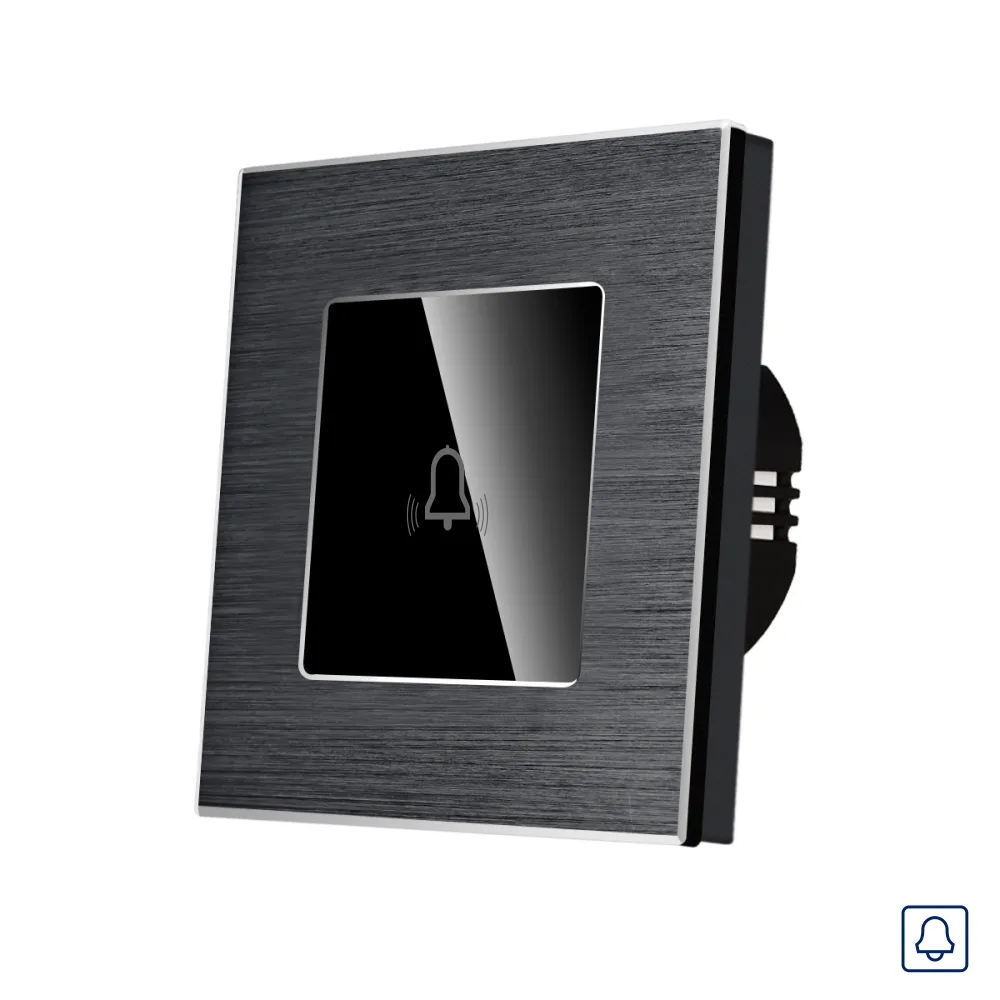
LUXION momentary touch doorbell push-button with glass panel and aluminium frame
Touch doorbell push-button with momentary (spring-return) function, glass panel and aluminium frame, in white, black, grey and gold.
Code: LX-MT-B101A-B · Colour: Black
Datasheet (PDF)| Colour | Code | EAN |
|---|---|---|
| Black | LX-MT-B101A-B | – |
| Gold | LX-MT-B101A-G | – |
| Grey | LX-MT-B101A-GY | – |
| White | LX-MT-B101A-W | – |
Description
LUXION doorbell push-button with a compact, elegant and minimalist design. Luxion products are versatile and the touch sensor is extremely precise, the same as that of a smartphone.
The construction is durable and the switches do not discolour over time. It is a practical product, made from quality materials and built to last, bringing functionality and comfort to your home.
- Glass touch panel with aluminium frame
- Push-button (momentary) function for a doorbell
- Available in white, black, grey and gold
Features
Compact, elegant and minimalist design. Enjoy the versatility of the new smart products: the LUXION glass touch doorbell push-button with aluminium frame. The surface does not discolour, so the elegant design stays unchanged.
- Glass touch panel
- Aluminium frame
- Precise touch sensor, like that of a smartphone
- Does not discolour over time
Technical parameters
- Rated operating voltage: 110V ~ 240V AC
- Voltage tolerance: -15% ~ +10%
- Load power: 3-800W/channel, 1000W in total
- Operating temperature: -20°C ~ +70°C
- Operating frequency: 50/60Hz
- Power consumption: ≤ 0.2W
- Service life: 100,000 operations
Structure / components
The push-button consists of three main parts and is fixed with screws.
- Elegant glass panel with aluminium frame
- Switch mechanism
- Metal mounting frame
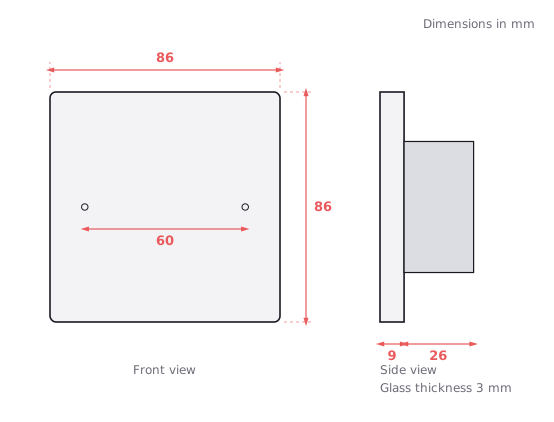
- Screw fixing system, 60 mm fixing distance
Dimensions
- Width: 86 mm
- Height: 86 mm
- Panel thickness: 9 mm
- Mechanism depth: 26 mm
- Mechanism height: 49 mm
Installation / wiring diagram
The live (L) is connected to terminal L; terminal L1 is connected to the doorbell, which is also connected to the neutral (N). Caution: switch off the power supply before installation and removal.
- Live (L) → terminal L
- Terminal L1 → doorbell → neutral (N)
- 1. Open the packaging.
- 2. Connect the wires and tighten the screws.
- 3. Use the 2 screws to fix the frame.
- 4. Fit the front panel.
Dimension drawing