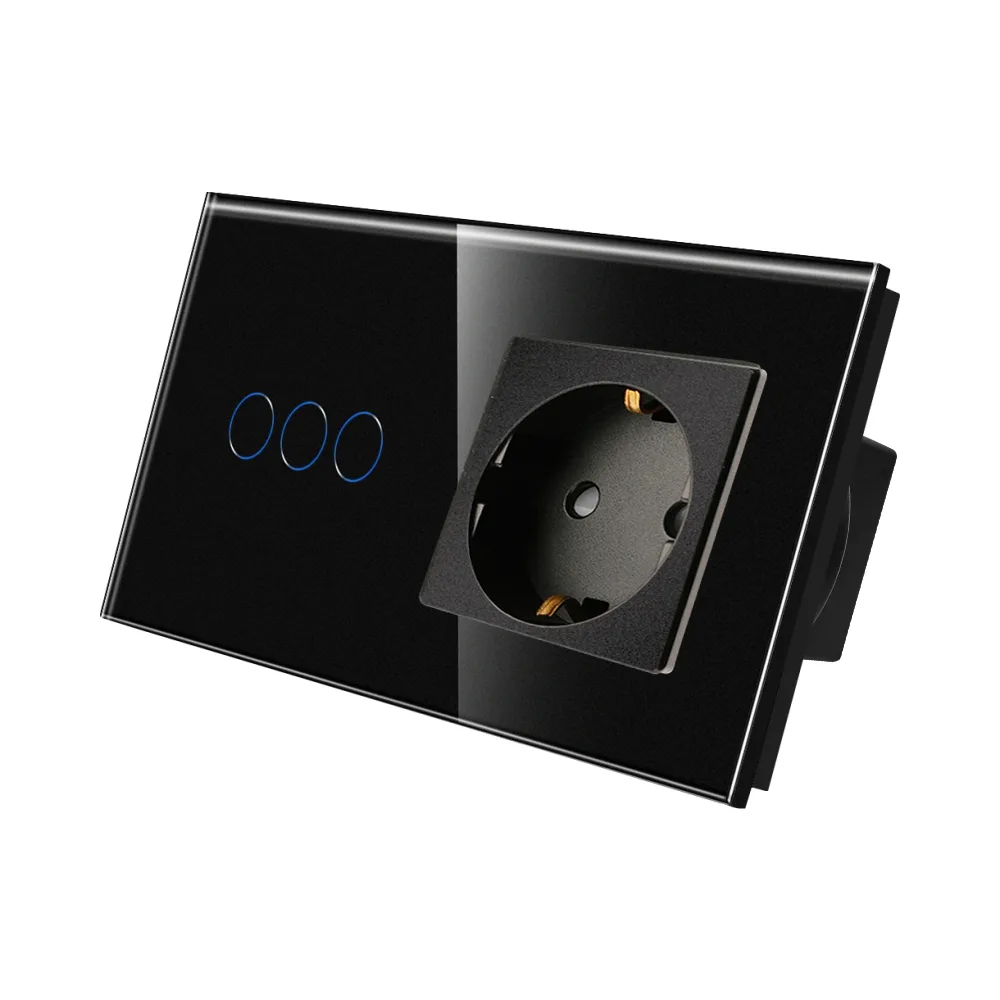
LUXION triple touch switch with Schuko socket and glass frame
LUXION triple touch switch with Schuko socket in a glass frame, with an elegant, minimalist design that does not fade over time.
Code: LX-ST-301/MP010-B · Colour: Black
Datasheet (PDF)| Colour | Code | EAN |
|---|---|---|
| Black | LX-ST-301/MP010-B | – |
| Gold | LX-ST-301/MP010-G | – |
| Grey | LX-ST-301/MP010-GY | – |
| White | LX-ST-301/MP010-W | – |
Description
The LUXION triple touch switch with socket and glass frame stands out for its compact, elegant and minimalist design. It combines a triple lighting switch and a Schuko socket in a single glass frame.
Its construction is durable and the products do not discolour over time. It is a practical product, made from high-quality, durable materials, offering functionality and comfort in your home.
- Extremely precise touch sensor, just like the sensor of a smartphone
- Safety glass front that retains its elegant appearance
- Available in white, black, grey and gold
Compact, elegant and minimalist design
Triple lighting switch and socket in a single glass frame. Enjoy the flexibility of the new Luxion switches.
Touch sensor
The touch sensor is extremely precise, just like the sensor of a smartphone.
Does not fade
The elegant design remains unchanged over time.
Structure / components
- Glass panel
- Switch + socket mechanism
- Metal mounting frame
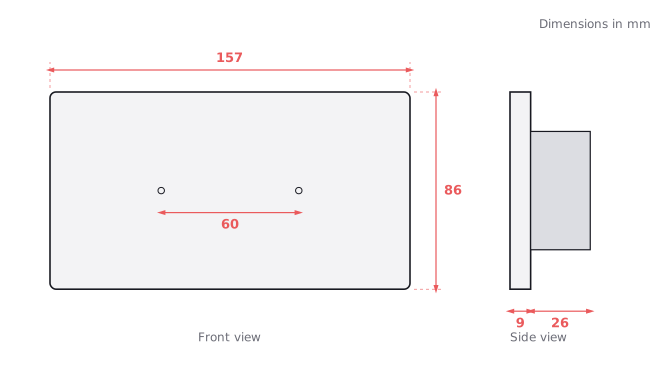
Dimensions
Screw fixing system.
- Length: 157 mm
- Height: 86 mm
- Panel thickness: 9 mm
- Mechanism depth: 26 mm
- Mechanism width: 49 mm
- Centre-to-centre distance: 130 mm
- Fixing screw spacing: 60 mm
Wiring diagram
Connect the neutral (N), earth and live (L) to the socket. Connect the live (L) to the switch's L terminal and the three lighting circuits to terminals L1, L2 and L3.
- Neutral (N)
- Earth
- Live (L)
- Switch terminals: L3, L2, L1, L
Installation steps
- 1. Open the packaging.
- 2. Connect the wires and tighten the screws.
- 3. Fix the frame with the screws.
- 4. Fit the front panel.
Dimension drawing
Related products
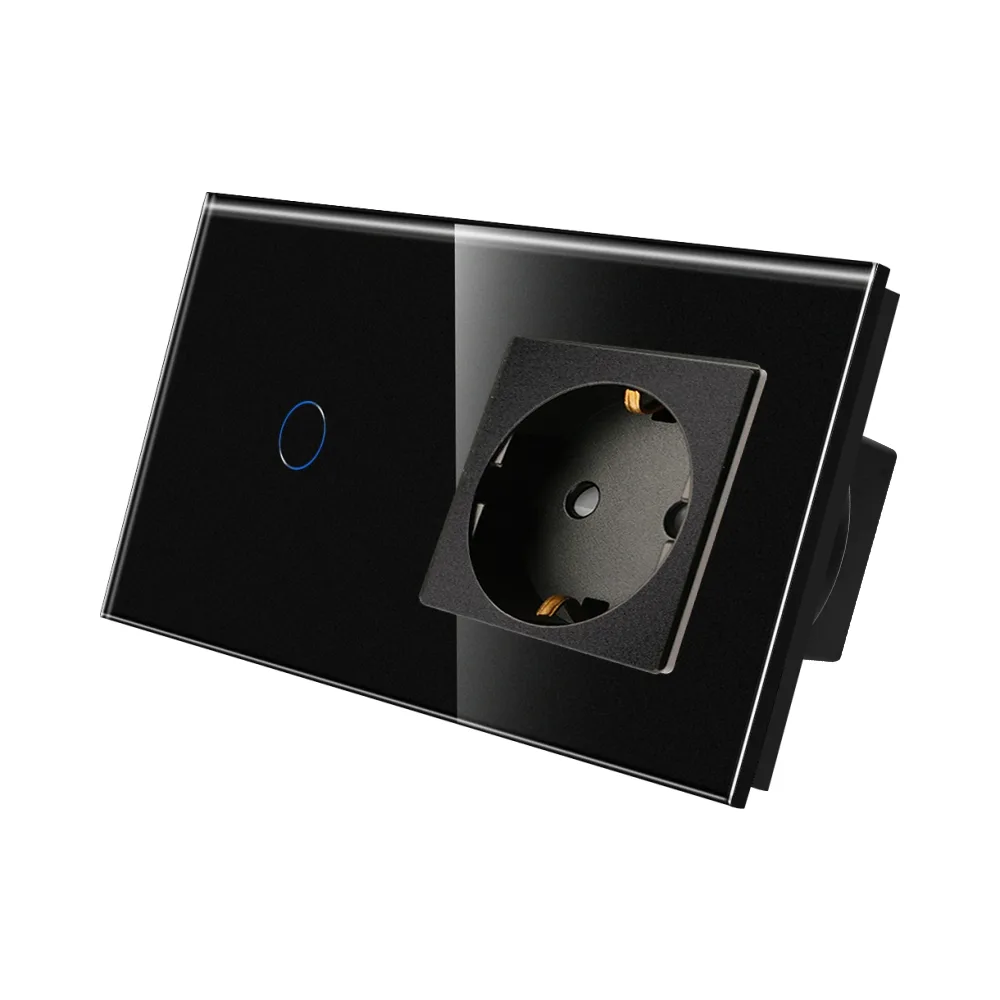 LUXION single touch switch with Schuko socket and glass frame
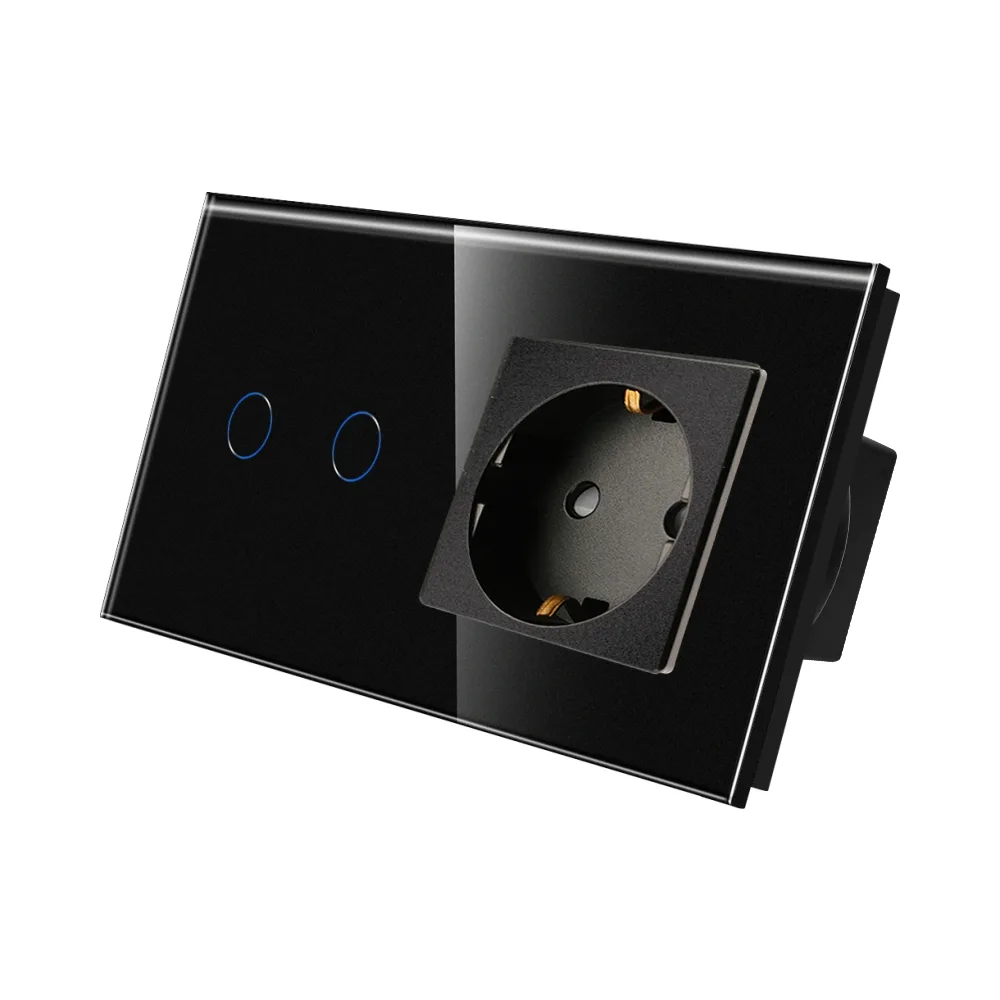 LUXION double touch switch with Schuko socket and glass frame
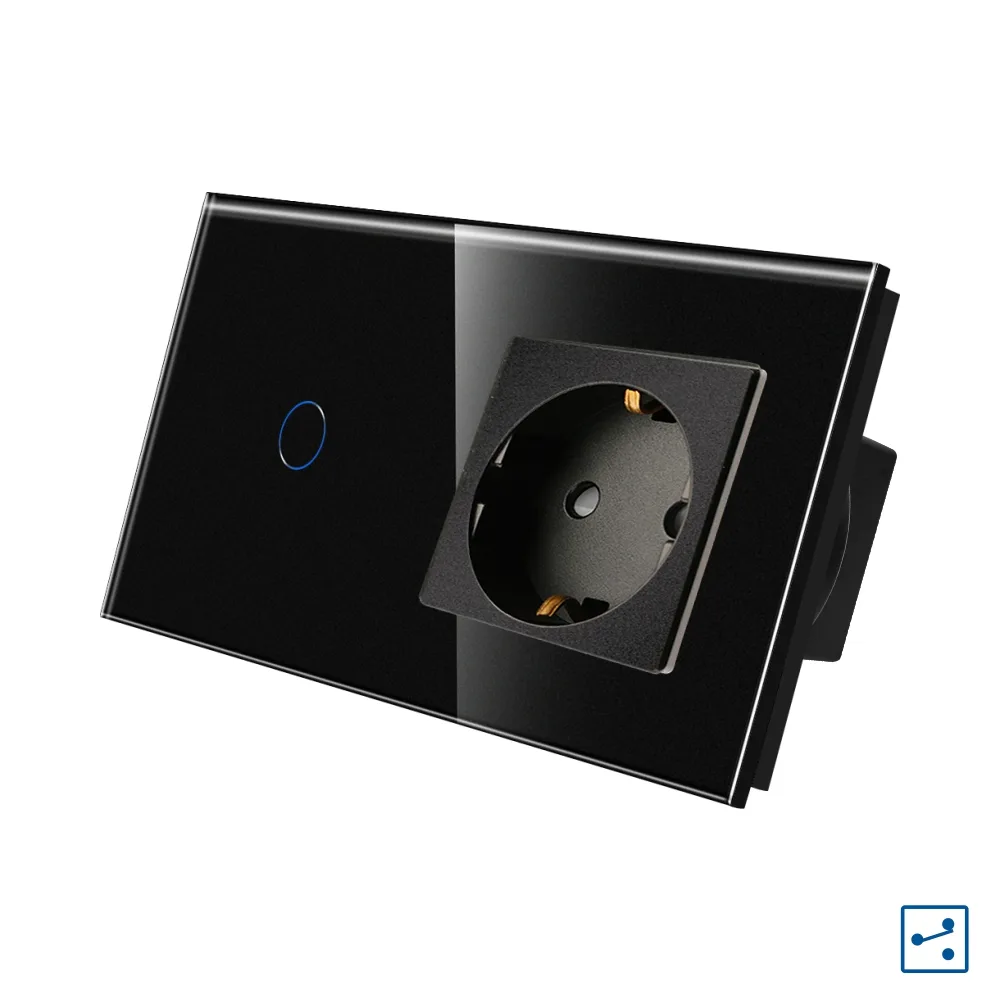 LUXION single two-way / intermediate touch switch with socket and glass frame, Series A
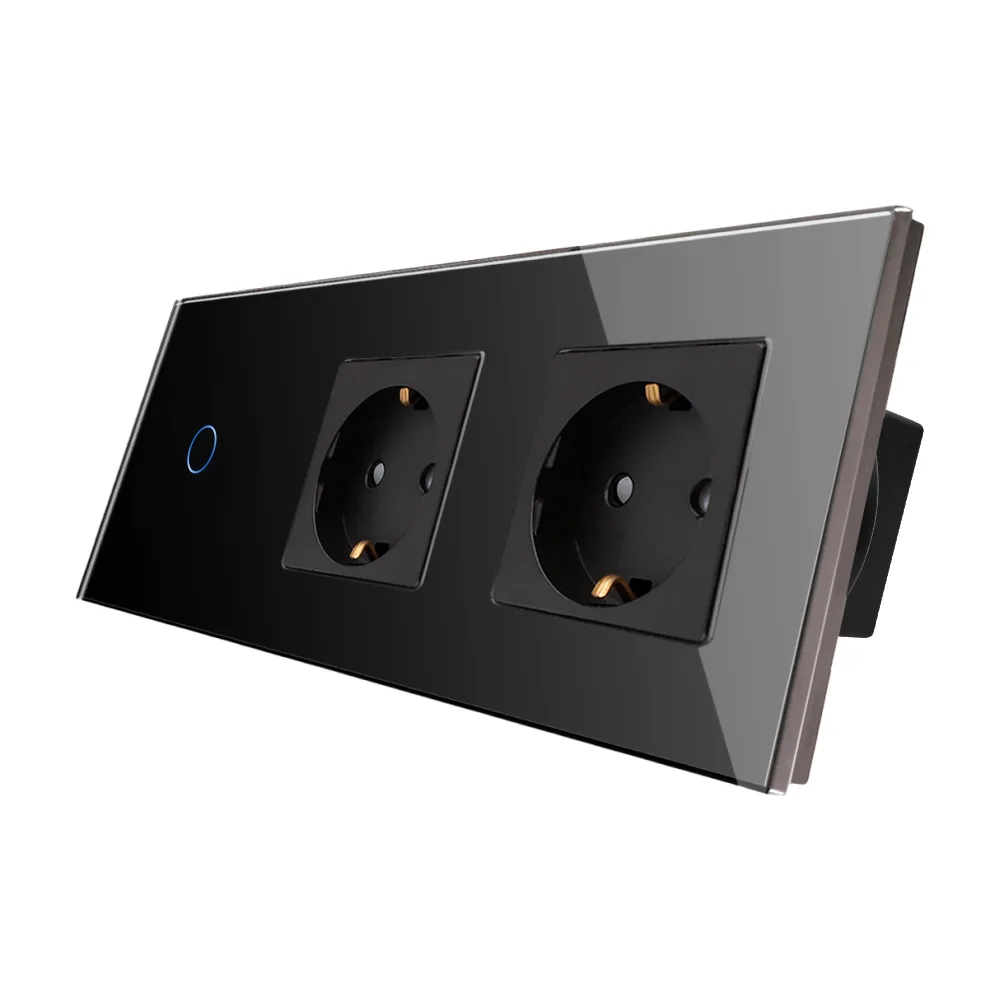 LUXION single touch switch + 2 Schuko sockets with glass frame
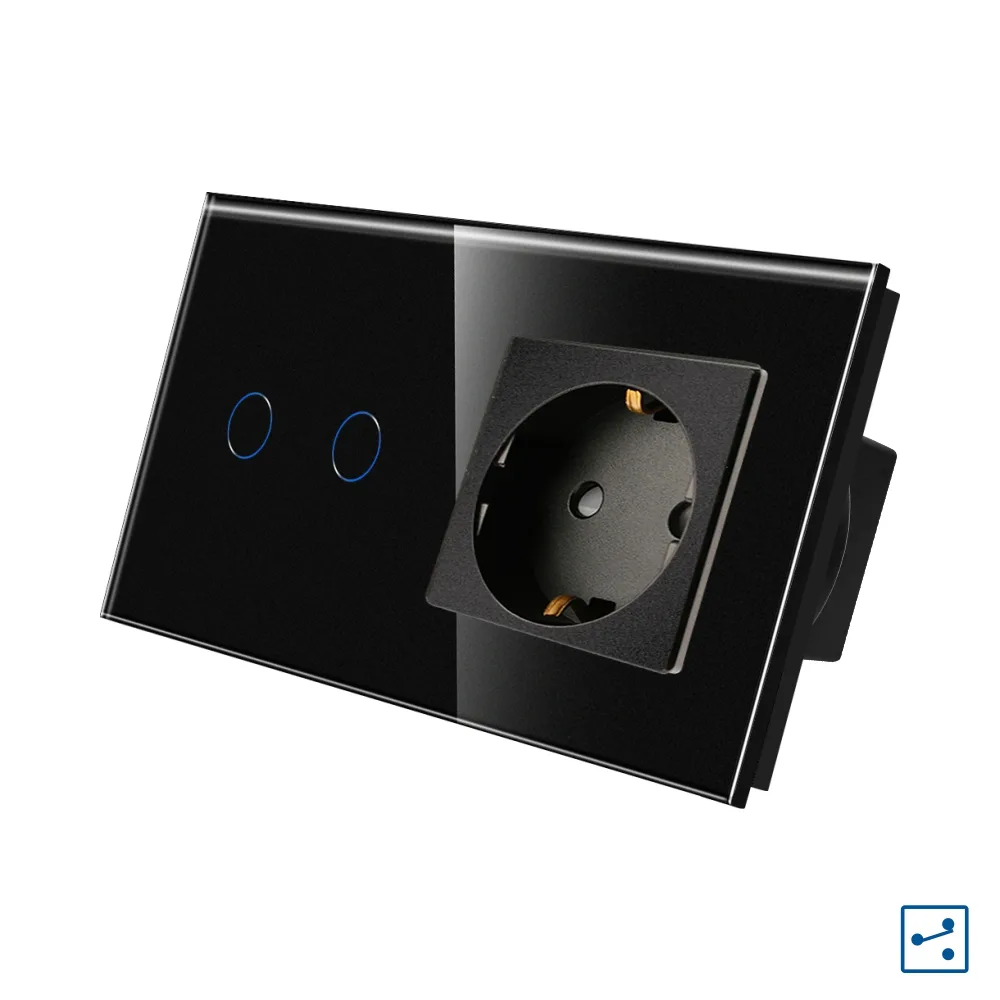 LUXION double two-way / intermediate touch switch with socket and glass frame, A Series
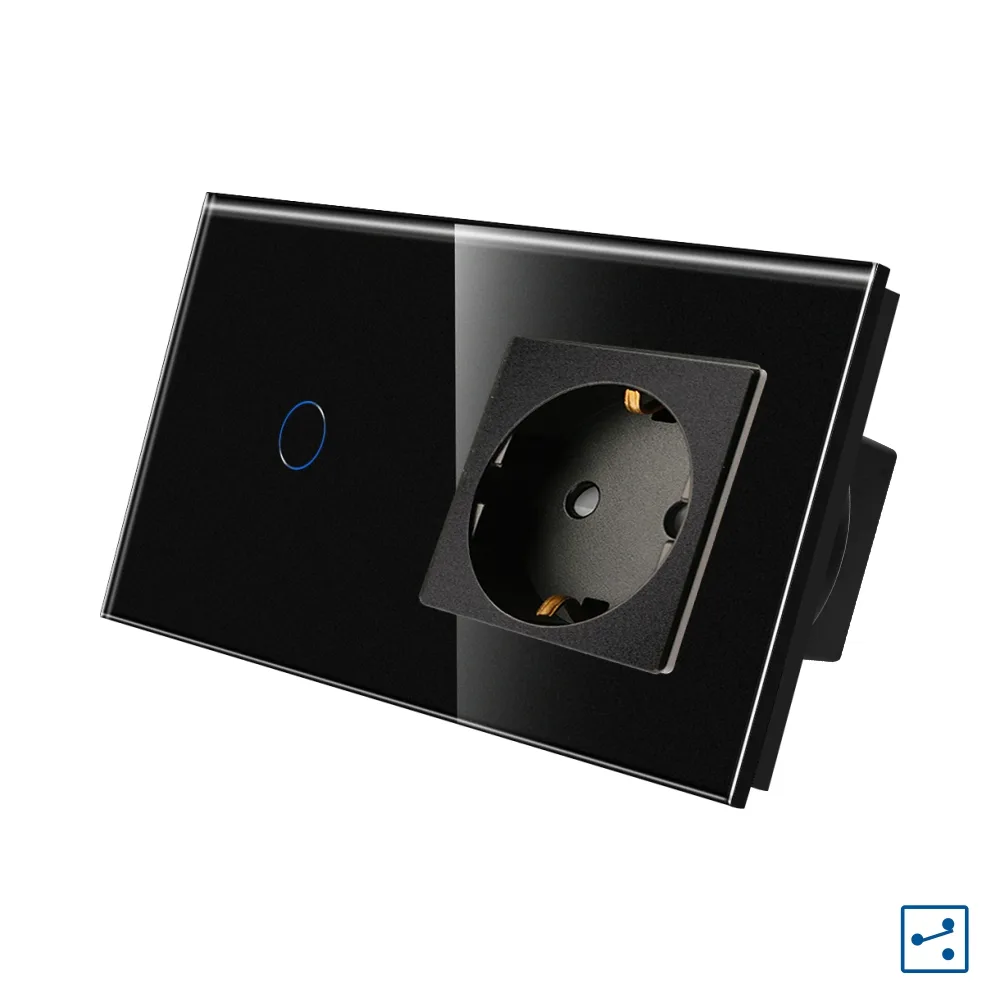 LUXION single two-way / intermediate switch with socket and glass frame
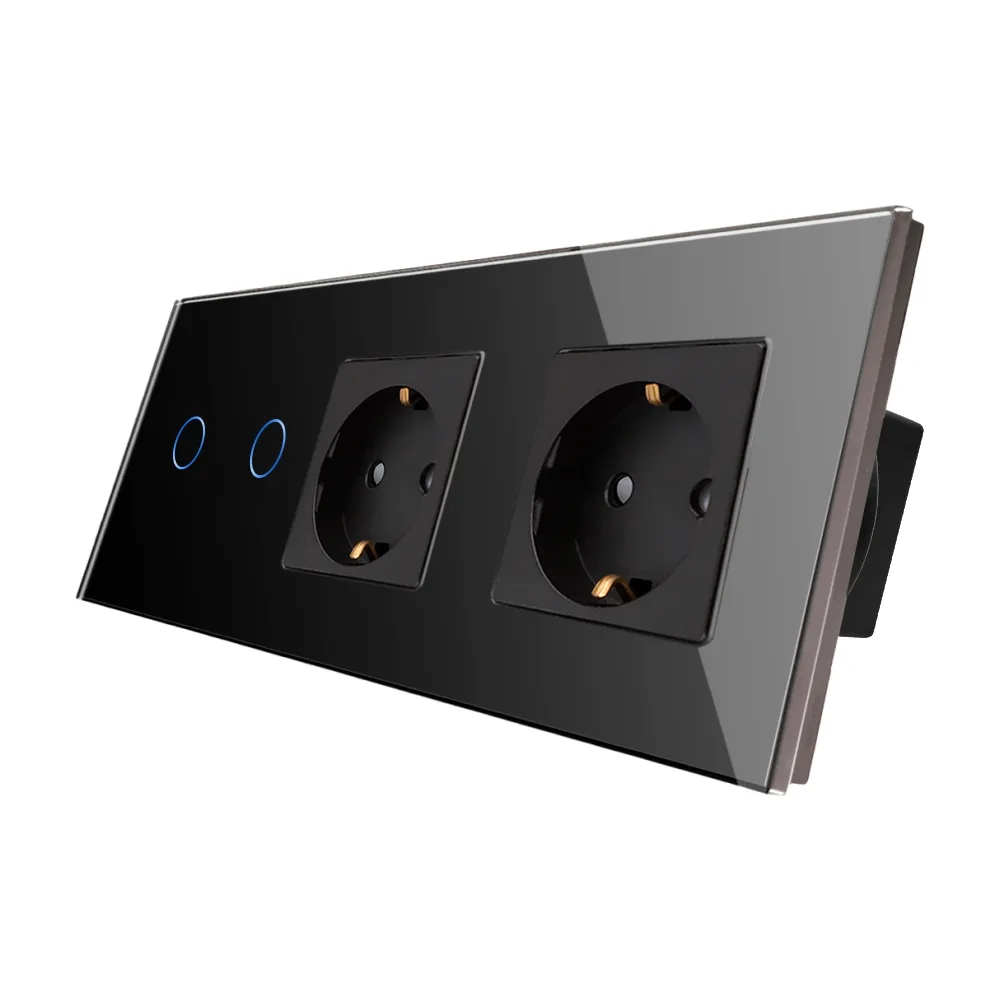 LUXION double touch switch + 2 sockets with glass frame
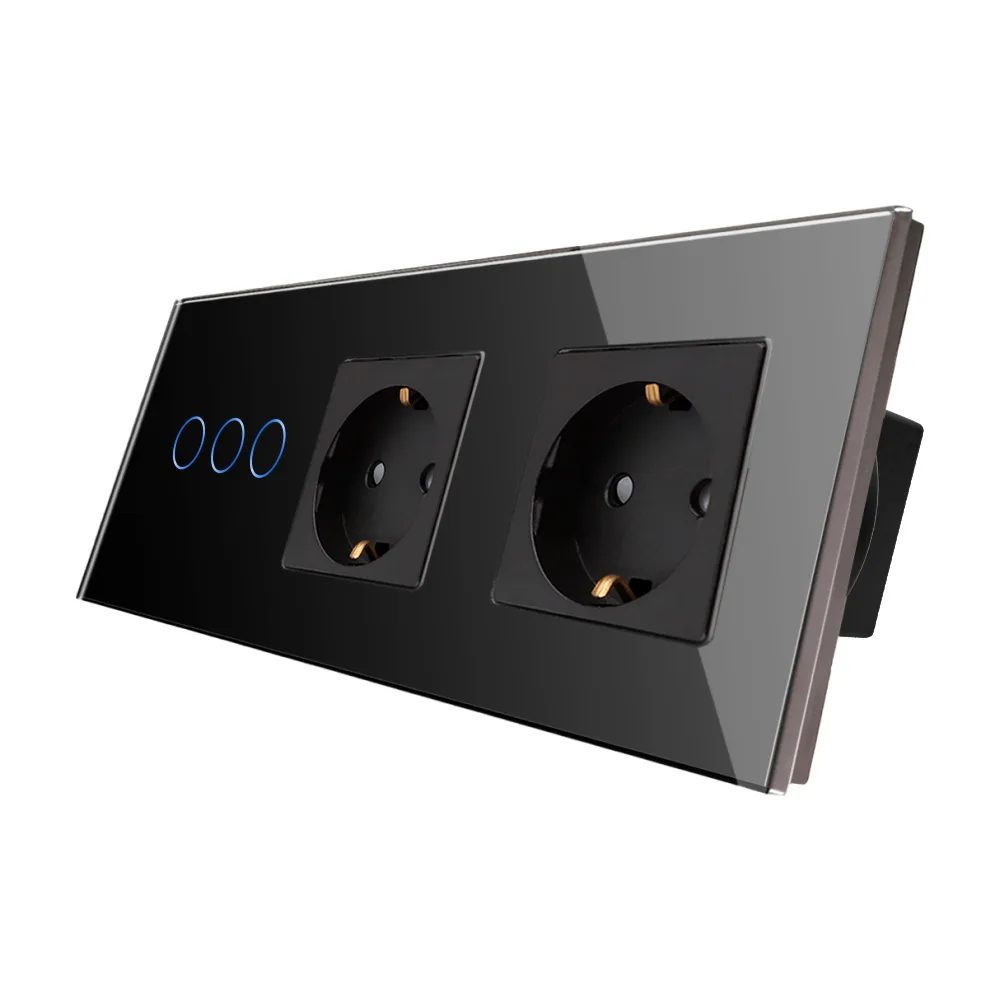 LUXION triple touch switch + 2 Schuko sockets with glass frame